1
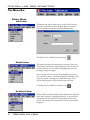
Discovery Menu ⇒ Configuration
Configuration
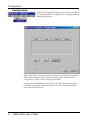
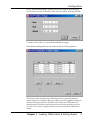
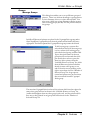
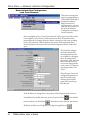
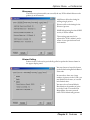
This menu item provides you with a means of creating a list of
IP Addresses for TGNet Admin to use in the Discovery process.
You may create as many ranges of IP Addresses as desired. A
range can consist of a single IP Address or many IP Addresses.
You also have the ability to enable or disable certain IP Address ranges as desired.
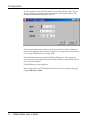
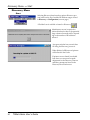
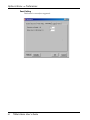
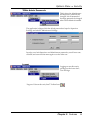
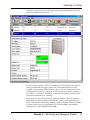
To add an IP address range, click the ADD button. To
Edit an existing IP range, select the range row and
then click the EDIT button.
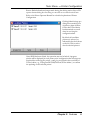
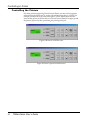
In either case, a similar dialog box appears in
which you may add or edit an IP address
range.
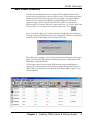
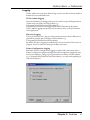
To Remove an existing IP range, first select the range row and then click the
REMOVE button. This choice removes the IP Range from the list, and those
printers in this range will no longer be included in a Discovery. To limit discovery
without removing a range, click the Enabled box, removing the check. By default,
an IP Address range is Enabled when it is Added.
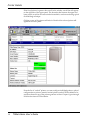
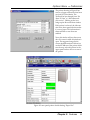
Changes made to the list of IP Address Ranges have no bearing on the Cache,
except that the current list, for any given Discovery process, determines which IP
addresses are searched for printers, and thus adding “new” printers to the Cache.
Changes to this list can only Add printers to the Cache, and only after Discovery.
This list never removes printers from the Cache.
Chapter 2: Features
21