1
Functions / recordings
3.4.3 Edit a recording
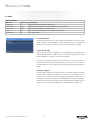
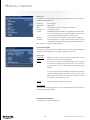
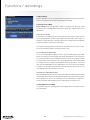
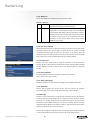
To edit recordings you will need to press the blue button during playback. It is also
possible to adjust the information of a recording by opening the TS moviebrowser. By
pressing the play button the moviebrowser can be opened. Press the menu button to
open the options menu. Now select the option movie editor. To edit bookmarks and
the movie information.
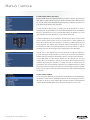
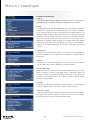
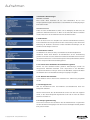
Create bookmarks
It is possible to create bookmarks in your recording. From the created bookmarks the
recording can be easily continued.
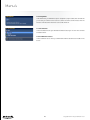
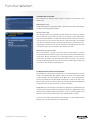
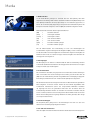
Jump forward/backward
By creating a jump forward you can skip parts from your recording (commercials for
example). In the beginning of the commercial block you press the blue button and
select the option “Jump forward”. At the end of the commercial block you press the
blue button once more. The next time you will play the recording the selected part will
be skipped.
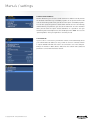
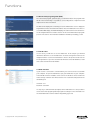
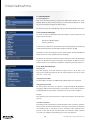
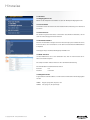
Rename bookmark/jumps
Open the TS moviebrowser and select the recorded file. Press the “Menu” button to
display the file options. Press the red button to open the movie editor. Press the blue
button to display all bookmarks.
© Copyright 2013 AD - European distributor of CST
21