1
3
Using MDC
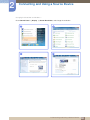
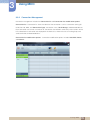
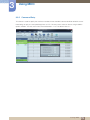
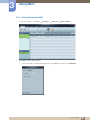
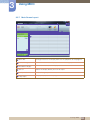
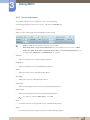
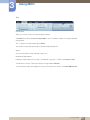
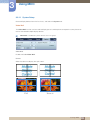
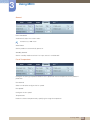
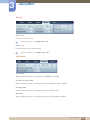
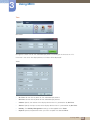
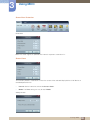
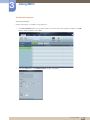
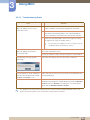
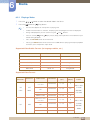
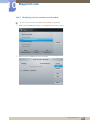
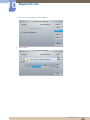
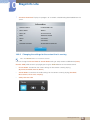
How display properties are shown when multiple displays are used
1
2
3
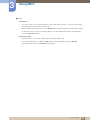
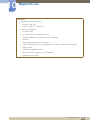
When no display is selected: The default value is displayed.
When one display is selected: Settings for the selected display are displayed.
When two displays are selected (e.g. in sequence of ID 1 and ID 3): The settings for ID 1 are
displayed before the settings for ID 3.
4
When the All+Select checkbox is checked and all displays are selected: The default settings are
displayed.
3 Using MDC
105