1
EnviroMon User's Guide
3.3.2
65
Connecting up the equipment
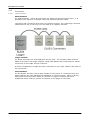
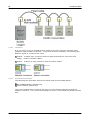
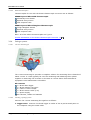
To gain experience with the system, we recommend connecting up a small system,
with just a single converter, next to the computer. Once you are confident that you
understand how it works, you can install the complete system in the correct place.
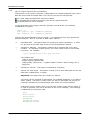
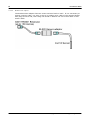
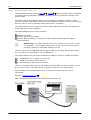
1. Logger to PC. Connect the logger to either of the 9-pin D9 serial ports on the
computer using the serial cable, or use the serial to USB converter connected to
one of the computer's USB ports. If you use the serial to USB converter, you must
install its driver software on the PC before you plug it in.
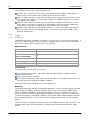
2. Power. Plug the mains adapter into a mains socket and then plug the DC connector
into the logger.
3. Network. Plug one end of the network cable into the logger, then plug the other
end into one of the network sockets (labelled 'Net') on the converter.
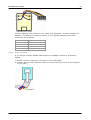
4. Sensor. Plug the sensor into the first sensor socket on the converter.
Now go to installing the software
3.3.3
.
Installing the software
1.
2.
3.
4.
5.
6.
3.3.4
65
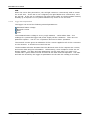
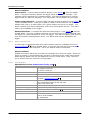
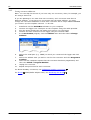
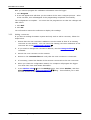
Insert the EnviroMon CD into your CD-ROM drive
If auto-run is enabled, the CD will startup automatically. If so, go to step 5.
Click the Start button, then click My Computer
Double-click the icon for your CD or DVD drive containing the EnviroMon CD
Click the Install Software button
The program will guide you through the installation
Starting the system
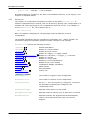
To run the software:
1.
2.
3.
4.
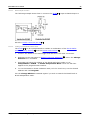
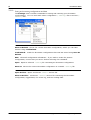
Click the Start button
Select Programs
Select Pico Technology
Select EnviroMon
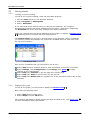
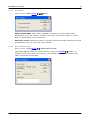
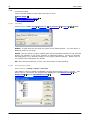
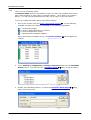
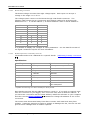
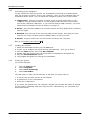
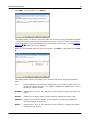
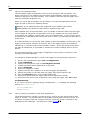
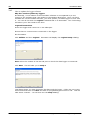
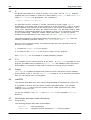
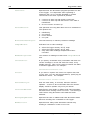
The first time you start up the software, it will offer you three choices:
1. A look at the overview section of the help file
2. A guided tour of the configuration
3. Start the configuration
If you select the guided tour, the computer will take you through the basics of setting
up the system, explaining what each step involves. Alternatively, you can follow the
instructions below.
Copyright © 2004-2010 Pico Te chnology Ltd. All rights re se rve d.
emw.en