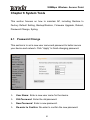
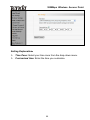
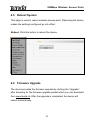
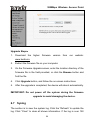
1
300Mbps Wireless Access Point
Chapter 2 Product Installation
You are recommended to install the product after configuring the
settings of W301A according to the guide in chapter 3. The following
steps take AP mode for example.
1.
Use the included power adapter to power on the AP. You can also
use POE power supply or POE switch to power on the AP.
2.
Connect one end of the network cable to the LAN port of W301A,
and another end to your Ethernet broadband, switch or PC.
3.
Connect wireless adapter to W301A.
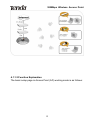
Please refer to the topology below:
4