1
Appendices - Page 69
Appendices
DECT Cables
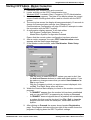
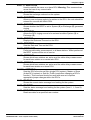
DCU to PC Programming Cable
Note:
This cable is also used for IP Office Integration.
DCU to Modem Programming Cable
DECT to Modem Cable
DCU
9
8
7
6
5
4
3
2
1
9-Way D-Type Female
22
5
4
6
7
20
2
3
8
Modem
25-Way D-Type Male
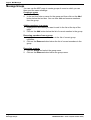
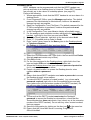
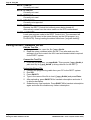
When using a modem connection, both modem should use the settings
below:
– Baudrate: 19.2K.
– Data: 8 bits.
– Parity: None.
– Stop Bits: 1.
The remote modem (connected to the DCU) must be set to Auto-Answer
(AT S0=1), inhibit results codes to the DTE (AT Q1). The local modem
(connected to the PC) must be set to DSR active (AT &S0).
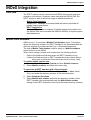
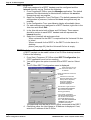
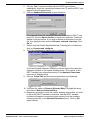
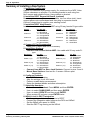
DCU to INDeX Integration Cable
For IP Office Integration, use the DCU to PC Programming cable
(see above).
Note: To maintain the INDeX system's CE and EMC approvals, only
the Avaya supplied cable should be used
(38YCND00001SAC – 2 metres).
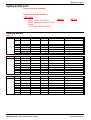
INDeX DECT Integration Cable
DCU
INDeX
Link
9-Way D-Type Female
Link
DECT - Installation Manual
38HBKD0001SAH – Issue 14 (27th October 2003)
8
7
6
5
4
3
2
1
–
–
–
5
–
3
2
–
9-Way D-Type Male
Page 69
DECT Cables