1
User’s Manual
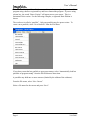
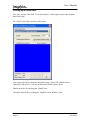
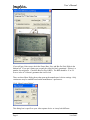
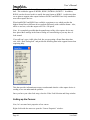
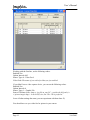
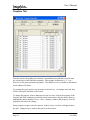
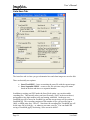
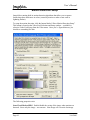
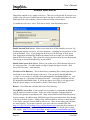
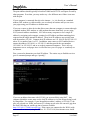
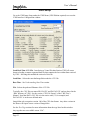
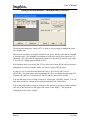
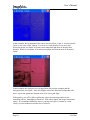
If you still get a blue screen, check the Frame Rate, Size, and Bits Per Pixel fields in the
bottom left. If you get 0 frames per second, the video feed isn’t operational. If there is a
number, but no picture. Check the Bits Per Pixel (BPP). The BPP should be 15 or 24.
Even a value of 24 doesn’t guarantee that it will work.
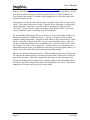
There are three Show Dialog boxes that open up the manufacturer’s driver settings. Only
certain ones may be enabled based on the manufacturer’s preferences.
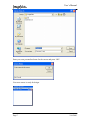
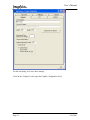
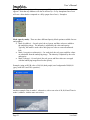
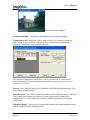
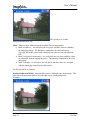
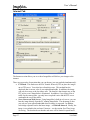
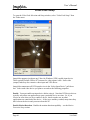
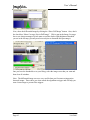
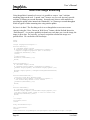
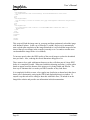
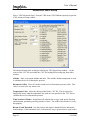
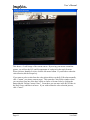
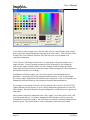
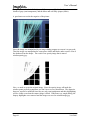
Click “Show Format Dialog”:
This dialog box is specific to your video capture device so it may look different.
Page 9
2/16/2003