1
168
MDaemon Messaging Server 13.0
Pre-configured Policies
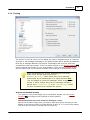
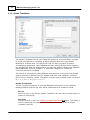
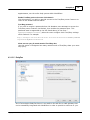
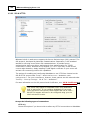
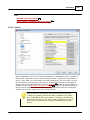
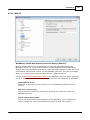
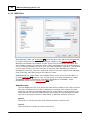
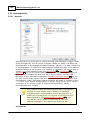
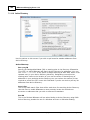
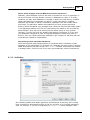
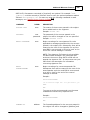
There are three pre-configured policies that cannot be edited or removed:
Default
This policy causes the BlackBerry device to use standard BlackBerry Enterprise
Server defaults for all settings. This is a standard "out-of-the-box" and "under the
control of a BlackBerry Enterprise Server" policy configuration.
Password Required
This policy is like De fa ult except that it sets the Pa ssw ord Re quire d rule to YES and
the Use r c a n disa ble pa ssw ord rule to No (see rule descriptions below). Devices
with this policy must be secured by a password.
Expiring Passwords
This policy is like Pa ssw ord Re quire d but also sets the M a x pa ssw ord a ge (da y s) rule
to 30. The password on the device will have to be changed at least every 30 days.
Creating a Custom Policy
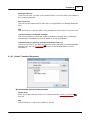
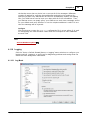
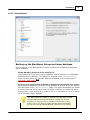
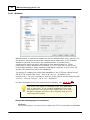
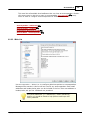
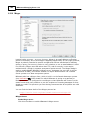
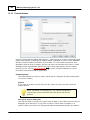
To create a custom policy:
1. Click New.
2. Enter a name for the policy.
3. Click OK.
4. Set the various policy rules as desired.
5. Click Save.
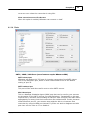
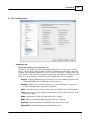
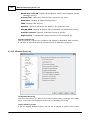
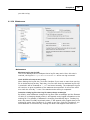
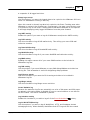
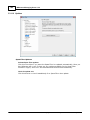
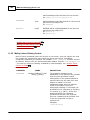
Policy Rules
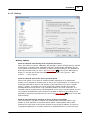
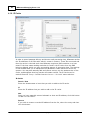
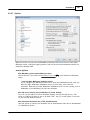
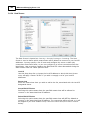
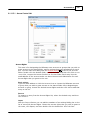
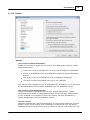
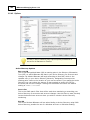
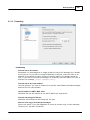
The following is a list of all policy rules that you can set when creating or editing
a custom policy.
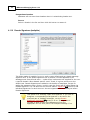
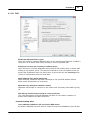
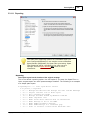
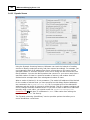
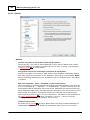
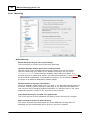
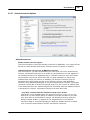
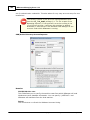
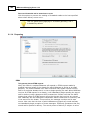
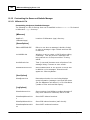
Password Settings
Contains policy rules that apply to BlackBerry device password settings.
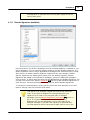
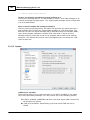
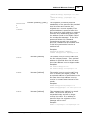
Password required
Specify whether the BlackBerry device requires a password. Set this rule to
YES to require the user to enter a password to unlock the BlackBerry device.
Rule dependency: If you enable this rule, you should set the Use r c a n disa ble
pa ssw ord rule to NO to prevent the BlackBerry device user from disabling this
rule.
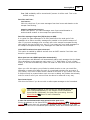
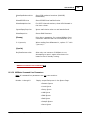
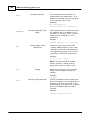
Minimum password length
Type the minimum required length, in characters, of the BlackBerry device
password. This rule only controls the minimum password length, not the
Copyright © 1996-2012. All rights reserved. Alt-N Technologies, Ltd.