1
10: Maintenance
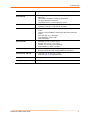
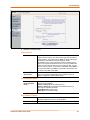
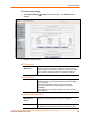
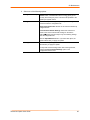
2. Select one of the following options:
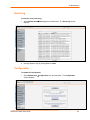
Configuration Backup
To back up all settings to a file on the client system, click the
Browse button. The default file name is config_export.gz, but
you may save it using any name. This is the file uploaded to the
Spider upon system restore.
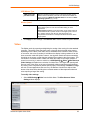
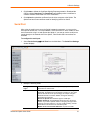
Configuration Restore
To return the Spider settings to a previously saved configuration,
browse to select the configuration file.
Import Configuration File: Browse to and select the backed up
configuration file.
Preserve Basic Network Settings: Select this check box to
preserve the current network basic settings on the Device
SettingsÆNetwork page and import only the remaining settings
from the configuration file.
Click the Upload/Restore button. If you select this option, the
Spider reboots after you apply the update.
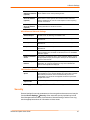
Factory Default
To restore factory settings, click the Restore button. The SLM
reboots after you apply the update.
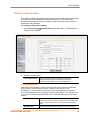
To keep basic network settings rather than restoring defaults,
select the Preserve Network Settings option in the
Configuration Restore area.
SecureLinx Spider User Guide
60