1
7: User Management
Local vs. Remote Authentication
User names and groups may be administered on the Spider to allow varying levels of
access and control to different classes of users. In order to log in to the Spider, a user
must be authenticated by means of a password. This authentication may take place
locally, where the user name and associated password are stored in the Spider’s
memory. The Spider may query a centralized database using RADIUS or LDAP to
determine if a given user may log in. In both of these cases, the user name must be
defined on the Spider where it has its permissions assigned.
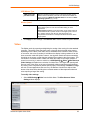
Local User Management
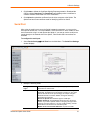
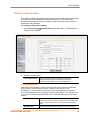
On a Spider, each user name has associated with it settings and permissions. Settings
affect how the user interfaces with the Remote Console. Permissions allow or forbid the
user from performing various actions on the Spider’s web pages. A newly assigned user
has permissions inherited from an assigned group, if any, or individual permissions if no
group is assigned.
Modifying Passwords
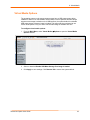
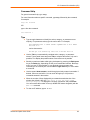
To change current user password:
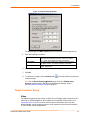
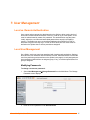
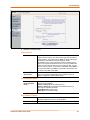
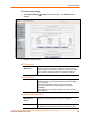
1. Select User ManagementÆChange Password from the Main Menu. The Change
Password screen displays.
2. Enter the current password under Old Password.
SecureLinx Spider User Guide
37