1
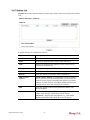
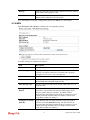
3.7.8 Station List
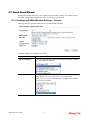
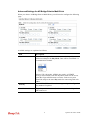
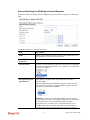
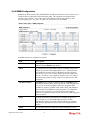
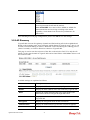
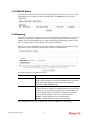
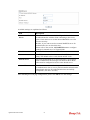
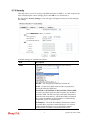
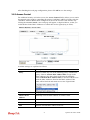
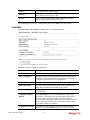
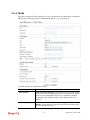
Station List provides the knowledge of connecting wireless clients now along with its status
code.
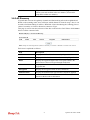
Available settings are explained as follows:
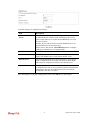
Item
Description
MAC Address
Display the MAC Address for the connecting client.
SSID
Display the SSID that the wireless client connects to.
Auth
Display the authentication that the wireless client uses for
connection with such AP.
Encrypt
Display the encryption mode used by the wireless client.
Tx Rate/Rx Rate
Display the transmission /receiving rate for packets.
Refresh
Click this button to refresh the status of station list.
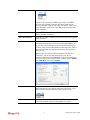
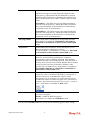
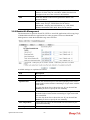
Add to Access
Control
Client’s MAC Address - For additional security of wireless
access, the Access Control facility allows you to restrict the
network access right by controlling the wireless LAN MAC
address of client. Only the valid MAC address that has been
configured can access the wireless LAN interface.
Add
Click this button to add current typed MAC address into
Access Control.
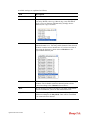
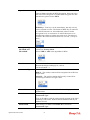
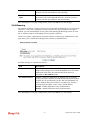
General/Advanced
General – Display general information (e.g., MAC Address,
SSID, Auth, Encrypt, TX/RX Rate) for the station.
Advanced – Display more information (e.g., AID, PSM,
WMM, RSSI PhMd, BW, MCS, Rate) for the station.
87
VigorAP 900 User’s Guide