1
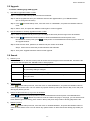
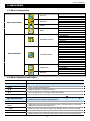
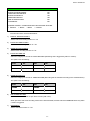
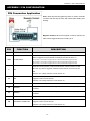
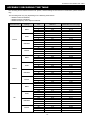
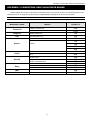
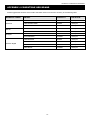
APPENDIX 1 PIN CONFIGURATION
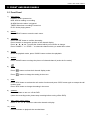
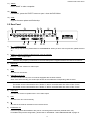
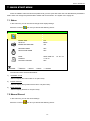
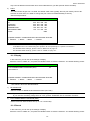
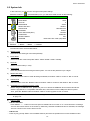
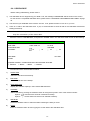
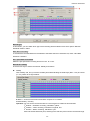
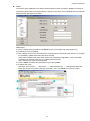
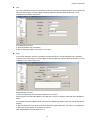
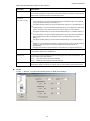
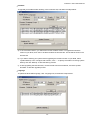
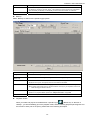
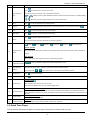
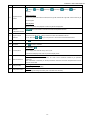
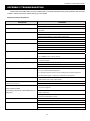
Button / Function
Description
Range Unit
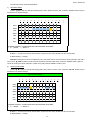
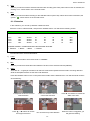
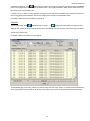
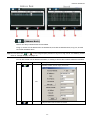
Set different time range unit (One Day / One Week) of the event logs.
Date Selection
(From / To)
Choose the specific date range including the event / record logs you might want.
Query
When all the search criteria are set, click to search the specified logs. The result will be
displayed in the log list, arranged by time from the earliest to the latest.
Delete / Delete All
Click “Delete” to remove the selected log(s), or click “Delete All” to clear the current log list.
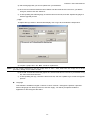
Tip: To select more logs all at once, click and hold the “Ctrl” key on your keyboard, and click to
select the logs you want to remove.
Close
Click “Close” to quit this window.
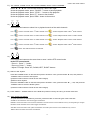
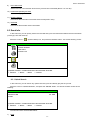
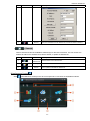
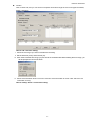
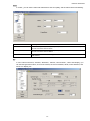
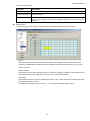
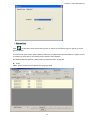
Record
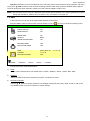
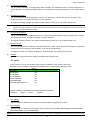
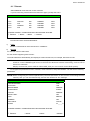
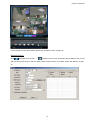
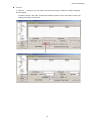
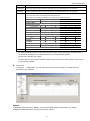
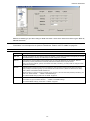
Select “Record” to search for the specific log(s) by date or by record type.
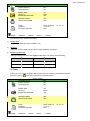
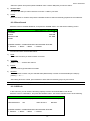
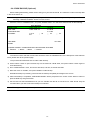
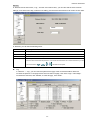
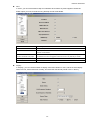
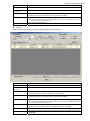
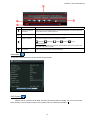
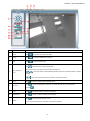
Button / Function
Description
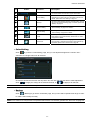
Range Unit
Set different time range unit (One Day / One Week) of the event logs.
Date Selection
(From / To)
Choose the specific date range including the event / record logs you might want.
Record Type
This section is enabled only when the “Record” tab is selected.
Select the record type you want to search (User / Alarm / Motion).
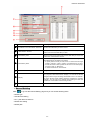
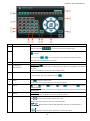
Query
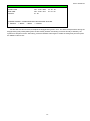
When all the search criteria are set, click to search the specified logs. The result will be
displayed in the log list, arranged by time from the earliest to the latest.
Delete / Delete All
Click “Delete” to remove the selected log(s), or click “Delete All” to clear the current log list.
Tip: To select more logs all at once, click and hold the “Ctrl” key on your keyboard, and click to
select the logs you want to remove.
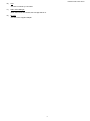
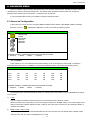
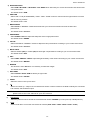
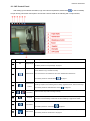
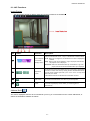
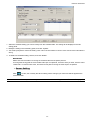
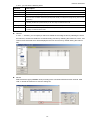
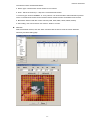
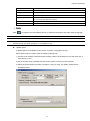
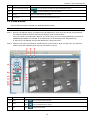
Play
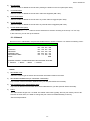
Click to play the selected record log. The playback panel will be shown for your further
operation. For playback details, please see “Playback Screen” at page 66.
Repair
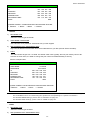
Click to fix the log with errors.
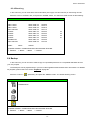
Apply
This button is available in the “Record” tab when the “Reserve” checkbox is checked or
unchecked.
-65-