1
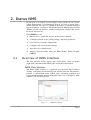
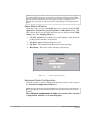
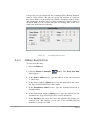
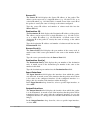
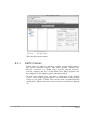
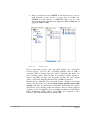
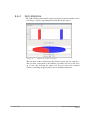
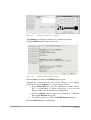
Figure 5.
The Ikarus NMS Window
Topology Map
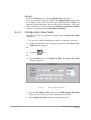
Located in the center pane, the Topology Map displays icons
representing network nodes and connection information describing the
layout of the network. It also can display a map graphic in the background.
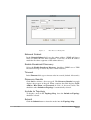
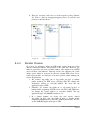
Registered Node List
Located in the left pane, the Registered Node List displays all registered
nodes on the network
Node Status
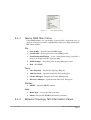
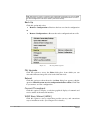
Located in the bottom pane, the Node Status area displays the following
information on the currently selected node
•
Firmware Version – The number representing the firmware version
residing in the node
•
Up Time – The length of time the node has been operating
•
Key Level
•
INMS Connectivity – The
responses
ratio of successfully received probe
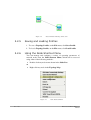
All panes are resizable and can be adjusted according to user preferences.
12
/ 167
Ikarus OS and Ikarus NMS User
Manual