1
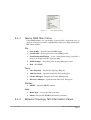
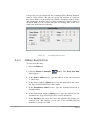
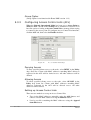
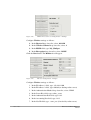
Select Image
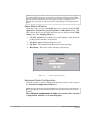
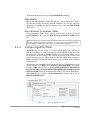
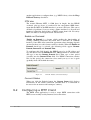
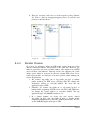
Click Select Image to access the Select dialog box and import a .jpg, .bmp
or .jpeg graphics file that is superimposed on the Web redirection page.
10.2.11 Summary
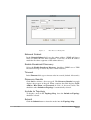
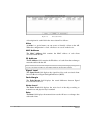
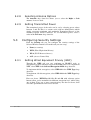
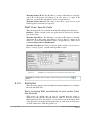
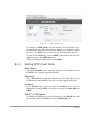
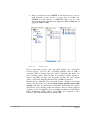
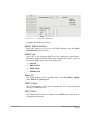
All configuration data is stored in the Summary field. When the
Summary tab is on top the configuration data is shown in this tab.
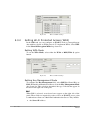
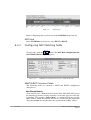
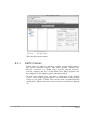
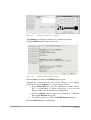
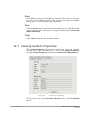
Figure 115.
HotSpot Wizard Summary Tab
Submit
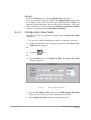
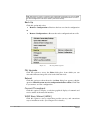
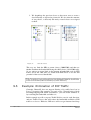
To apply the configuration to the router, click the Submit button at the
bottom of the Summary tab.
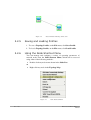
Exit
Click Exit to return to the main HotSpot configuration tab
128
/ 167
Ikarus OS and Ikarus NMS User
Manual