1
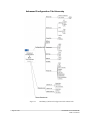
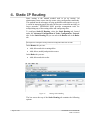
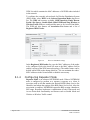
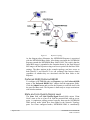
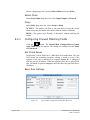
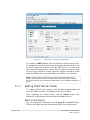
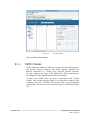
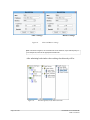
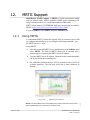
4. Static IP Routing Static routing is the manual method used to set up routing. An administrator enters routes into the router using configuration commands. This method has the advantage of being predictable and simple to set up. It is useful in managing small networks but becomes somewhat unwieldy on larger networks. NETKROM NMS provides management tools for manipulating any of the routing tables and configuring rules. To configure Static IP Routing, select the Static Routing tab, located under the Advanced Configuration of Node, Configuration, Network tabs. In the Static Routing tab you can select the Routes tab or the Rules tab. See Page 35 for a diagram showing Advanced Configuration tabs and sub-tabs. In the Routes tab you can: Add, delete and select routing tables Add, delete, modify and prioritize routes In the Rules tab you can: Add, delete and select rules Figure 27. Routing Table Handling The bar across the top of the Static Routing tab contains the following options: Page 47 of 141 NETKROM OS and NETKROM NMS User Manual