1
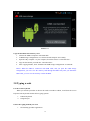
Change the wallpaper of desktop
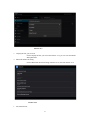
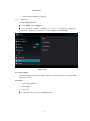
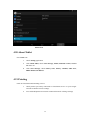
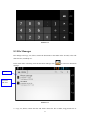
1. In home page, long press any blank space in main screen, it will popup a window
to change the wallpaper, get into widgets menu or settings menu.
2. Click the gallery or wallpaper gallery to select the wallpaper.
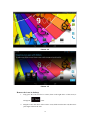
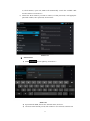
3.6 Visit Application Procedures
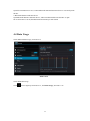
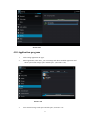
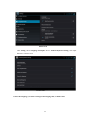
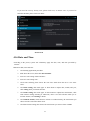
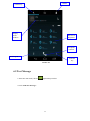
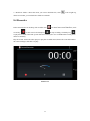
in right top of Picture 3.2, enter into main interface as Picture 3.6,
choose the application procedure you want to visit.
Click
Open
Applications
menu
Picture 3.6
3.7 USB Connection
MID storage configuration
Before transmitting documents, you have to conduct storage configuration for your MID:
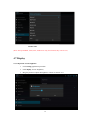
1. Connect the MID and computer by USB cable, the reminder column will show the
remind information.
2. Open the reminder board; please view the MID status and reminder to learn how to
open the board.
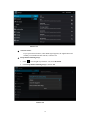
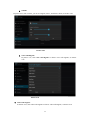
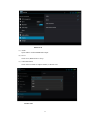
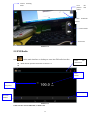
3. In the reminder board, click the “USB Connected”, it will as below Picture 3.4, then
click “open USB storage configuration”.
4. Now the USB is connected successfully.
11