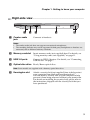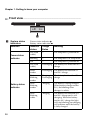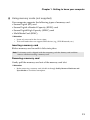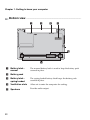
1
Chapter 1. Getting to know your computer
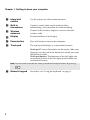
a Integrated
camera
Use the camera for video communication.
b Built-in
microphone
Captures sound which can be used for video
conferencing, voice narration, or audio recording.
c Wireless
antennas
Connect to the wireless adapter to receive and send
wireless radio.
d Display
Provides brilliant visual output.
e Power button
Press this button to turn on the computer.
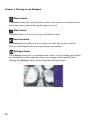
f Touch pad
The touch pad functions as a conventional mouse.
Touch pad: To move the pointer on the screen, slide your
fingertip over the pad in the direction in which you want
the pointer to move.
Touch pad buttons: The functions of the left/right side
correspond to those of the left/right mouse button on a
conventional mouse.
Note: You can enable or disable the Touch pad and the Touch pad buttons by pressing
.
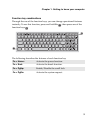
g Numeric keypad
2
For details, see “Using the keyboard” on page 3.