1
Setting
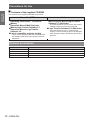
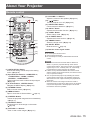
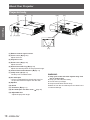
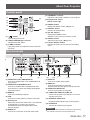
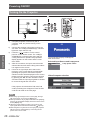
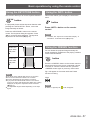
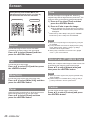
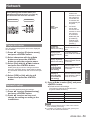
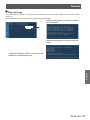
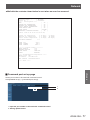
Warning log
This function records anomalous operations while the
projector is in operation and use it when diagnosing
faults.
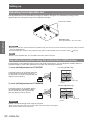
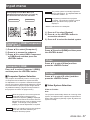
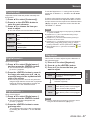
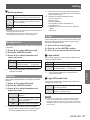
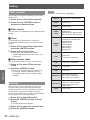
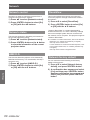
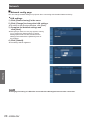
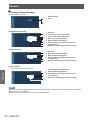
1111 Press ▲▼ to select [Warning log].
2222 Press ► or the <ENTER> button to
display the latest warning message.
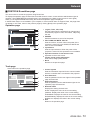
zz Up to 10 warning logs are displayed with the
latest warning message at the top of the list,
followed by previous warning messages in
chronological order.
Attention
zzWhen the [Factory default] function is executed, all
the warning log records will be deleted.
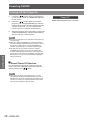
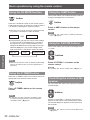
Factory default
This function returns all setting values except for [PIN
code lock], [Logo PIN code lock], [Lamp power], [Filter
counter] and all of the network settings to the factory
default settings.
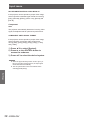
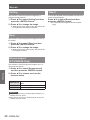
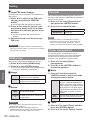
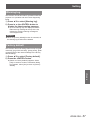
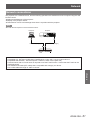
1111 Press ▲▼ to select [Factory default].
2222 Press the <ENTER> button.
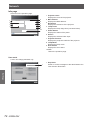
zz [Return to Factory default?] appears. Select
Settings
[Yes] to continue. Another confirmation dialog
box appears, select [Yes] to return to [Factory
default].
ENGLISH - 57