1
CAPTURING A LOOK
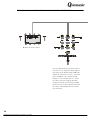
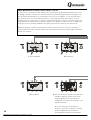
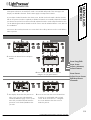
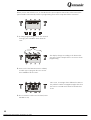
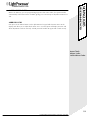
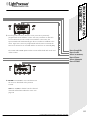
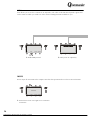
A Look is a snapshot of the outputs at a particular moment in time.
While in RUN MODE you might be running a combination of scenes, chases and channels and decide
that you want to save (or capture) this set of outputs to be repeated at some later time.
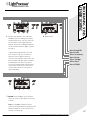
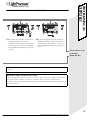
A Look may be stored on any empty push button or touchkey. Nothing else may be stored on a key
while it holds a Look.
There are eight available Look memories. If you attempt to capture a ninth Look, you are prompted to
escape or overwrite Look No. 1.
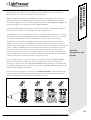
A look is replayed by pressing the output key to which it was saved during capture. This key serves as
a macro to recall all the keys that were active at the time that the capture was made.
By default Capture is disabled and must be enabled via the system options utility described on
page 69.
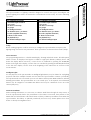
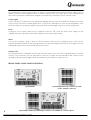
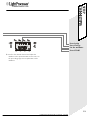
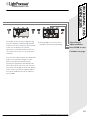
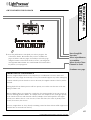
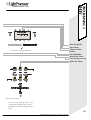
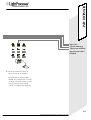
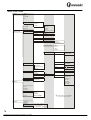
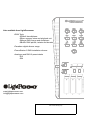
Adjust
Freeze
Go
Live
RUN MODE
Find
View
Levels Capture
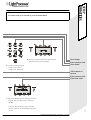
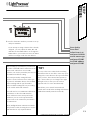
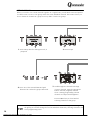
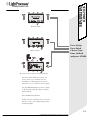
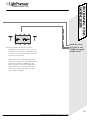
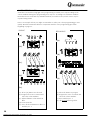
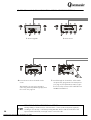
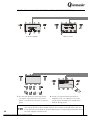
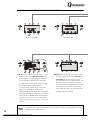
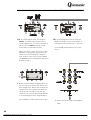
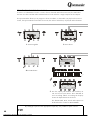
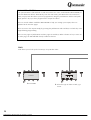
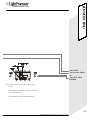
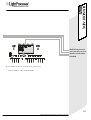
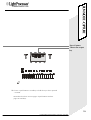
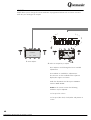
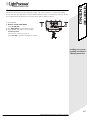
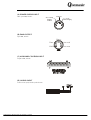
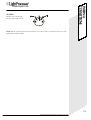
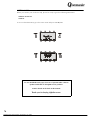
1. While the desired combination of effects is
being output, press CAPTURE.
58
LightProcessor QCommander, all variants, July 2002