1
Chapter 10: Plug-in Triggers
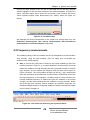
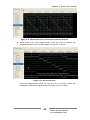
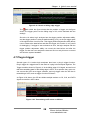
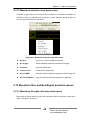
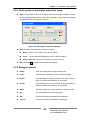
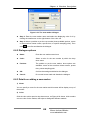
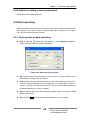
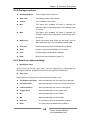
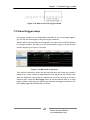
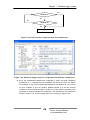
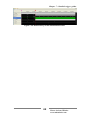
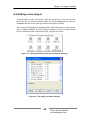
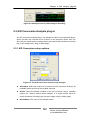
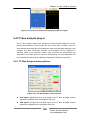
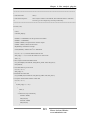
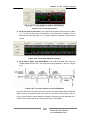
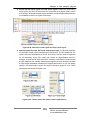
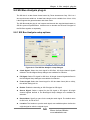
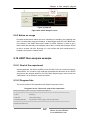
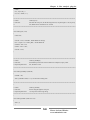
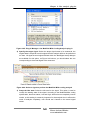
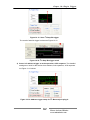
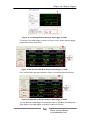
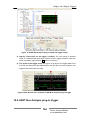
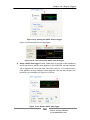
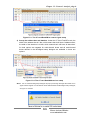
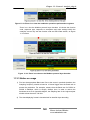
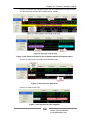
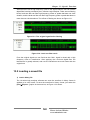
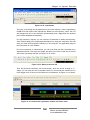
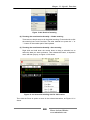
Figure 10-4: 1-Wire Bus Analysis plug-in trigger example
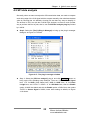
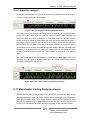
10.4 I2C Bus Analysis Plug-in trigger
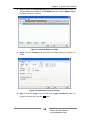
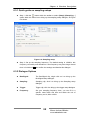
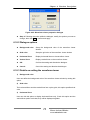
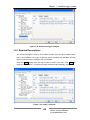
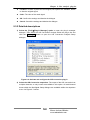
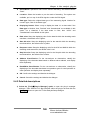
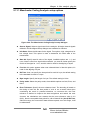
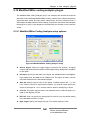
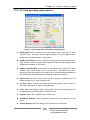
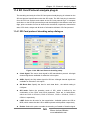
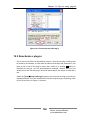
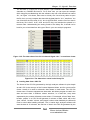
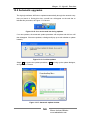
10.4.1 I2C Bus Analysis plug-in trigger setup interface
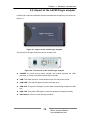
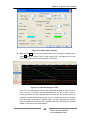
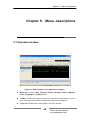
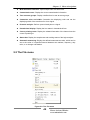
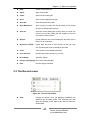
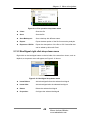
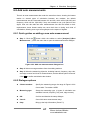
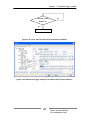
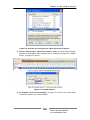
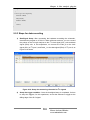
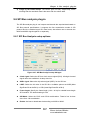
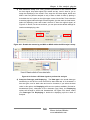
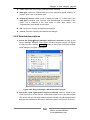
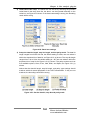
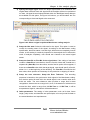
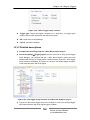
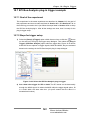
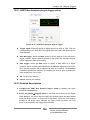
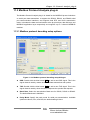
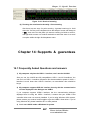
Figure 10-5: I2C Bus Analysis plug-in trigger setup interface
z
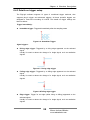
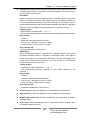
Start Condition: Select this to set the start bit as a trigger condition. The logic
analyzer will start the recording once it encounters a start bit.
z
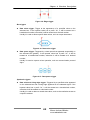
Stop Condition: Select this to set the start bit as a trigger condition. The logic
analyzer will start the recording once it encounters a stop bit.
z
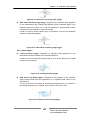
Specified Address: When this is selected, you can further specify the address,
data direction (read/write) and response (ACK/NACK) as trigger conditions.
z
OK: Confirm user settings
z
Cancel: Cancel the settings.
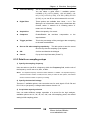
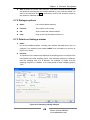
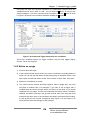
10.4.2 Detailed descriptions
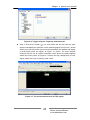
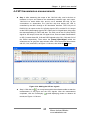
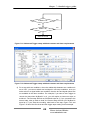
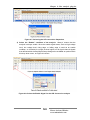
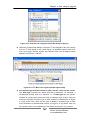
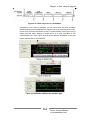
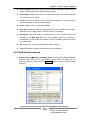
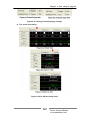
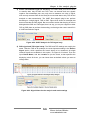
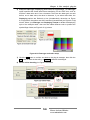
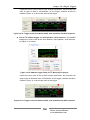
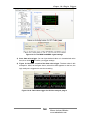
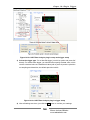
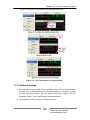
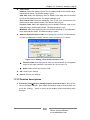
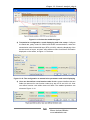
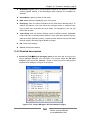
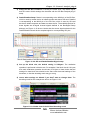
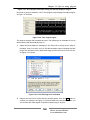
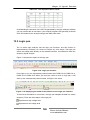
1) Start bit trigger: Select this to set the start bit as a trigger condition; the logic
analyzer will start the recording once it encounters a start bit.
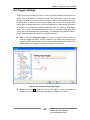
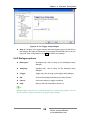
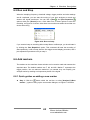
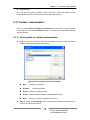
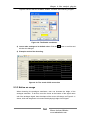
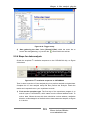
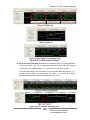
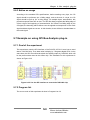
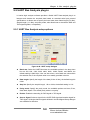
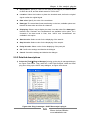
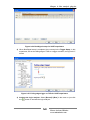
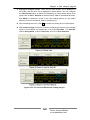
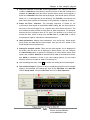
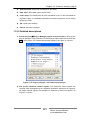
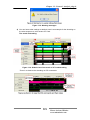
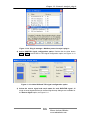
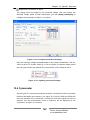
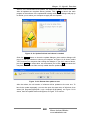
2) Select the [Setup]Æ[Trigger] option from the menu bar to bring up the trigger
.
153
Please visit our Website:
www.embedtools.com