1
Chapter 10: Plug-in Triggers
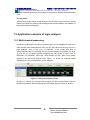
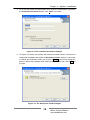
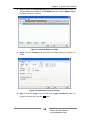
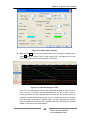
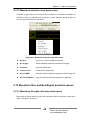
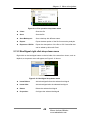
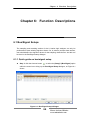
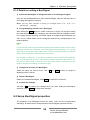
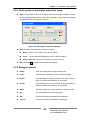
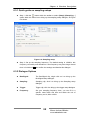
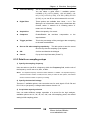
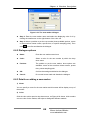
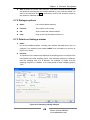
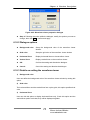
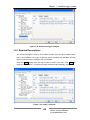
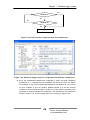
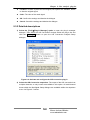
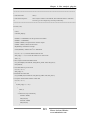
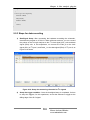
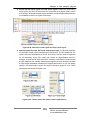
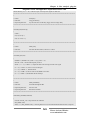
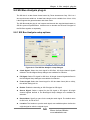
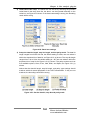
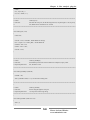
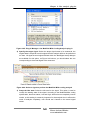
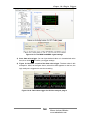
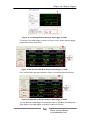
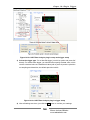
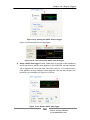
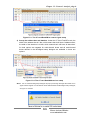
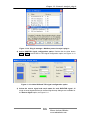
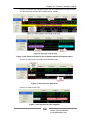
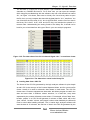
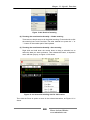
Figure 10-25SSI Bus Analysis plug-in setup and trigger setup
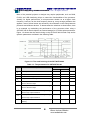
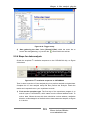
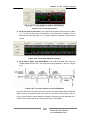
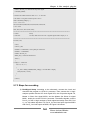
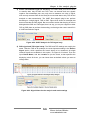
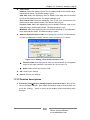
3) Specify a data value as the trigger condition. You can specify a decimal
value or a hexadecimal value (with a prefix 0x) as a trigger condition. After the
setup completes, right click the OK button to confirm it.
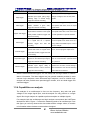
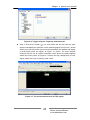
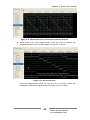
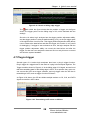
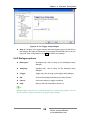
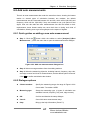
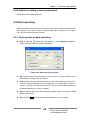
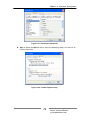
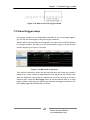
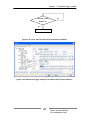
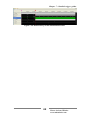
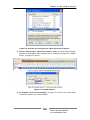
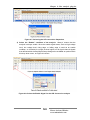
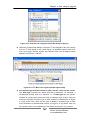
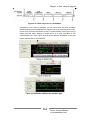
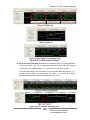
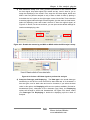
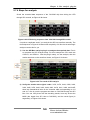
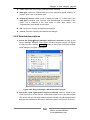
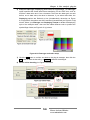
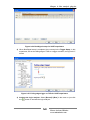
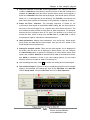
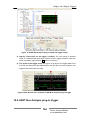
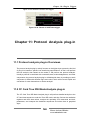
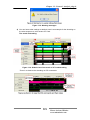
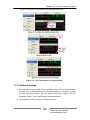
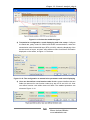
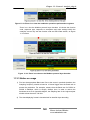
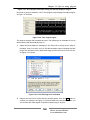
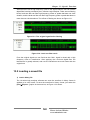
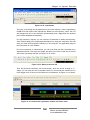
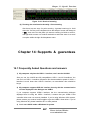
4) The result of the trigger setup. As Figure 10-26 shows, the trigger data is set
to 0xF8, and when this data appeared on the SSI Bus, the logic analyzer was
triggered and record the bus data.
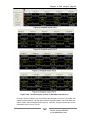
Figure 10-26: Result of an example for SSI Bus Analysis plug-in trigger
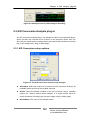
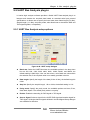
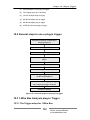
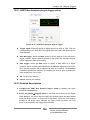
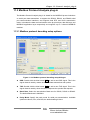
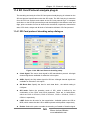
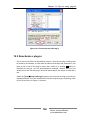
10.9 UART Bus Analysis plug-in trigger
.
164
Please visit our Website:
www.embedtools.com