1
Chapter 17 - Resets
ION8800 User Guide
Performing a Reset
Resets allow you to clear various accumulated parameters stored by the meter.
NOTE
Be sure to record any important data before performing a meter reset.
Using the Front Panel
The following resets can be performed via the front panel:
Master Reset:
deletes most accumulated values and all derived revenue measurements from the meter. Demand Reset:
resets the peak demand values logged in the meter. Performing a Master Reset from the front panel
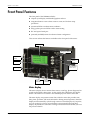
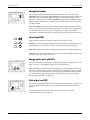
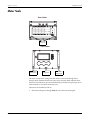
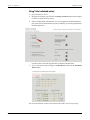
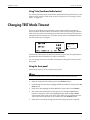
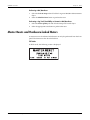
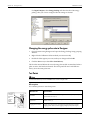
The Master Reset button is recessed to avoid accidental activation. You must open the meter’s cover before you can perform a Master Reset:
1.
Remove the cover seal (if applicable).
2.
Open the meter cover.
3.
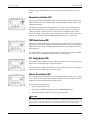
Using a pencil or similar instrument, press the Master Reset button.
4.
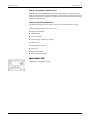
At the confirmation screen, select YES to confirm the reset.
CAUTION
After initiating a Master Reset, wait until the “Master Reset Completed” message appears on the front
panel (or about two minutes, depending on your firmware). This allows the meter to completely reset
parameters. This is especially important if you are powering down the meter after a Master Reset.
Parameters affected by a Master Reset
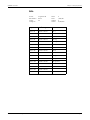
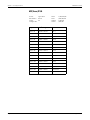
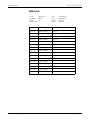
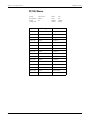
The Master Reset button resets many of the deviceʹs measurements and logs. The following parameters are reset to zero:
Energy and Demand
Peak Demand Loss Calculation
Power Quality disturbance counters Time of Use Page 184
© 2007 Schneider Electric. All rights reserved.