1
FPchapter 3.qxd
6/11/01
3:28 PM
Page 3-68
Chapter 3 - Configuring FireProof
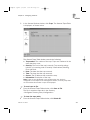
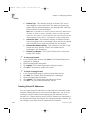
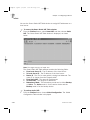
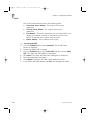
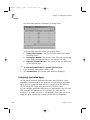
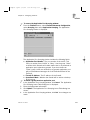
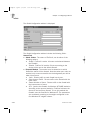
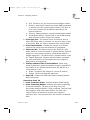
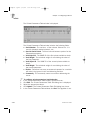
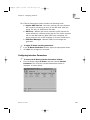
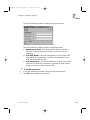
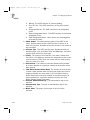
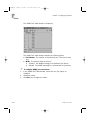
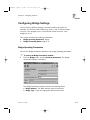
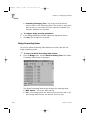
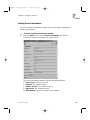
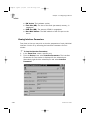
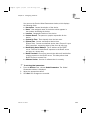
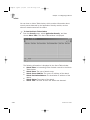
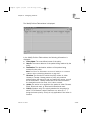
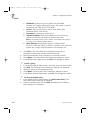
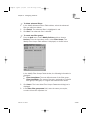
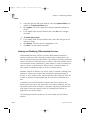
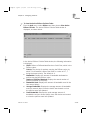
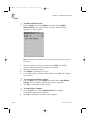
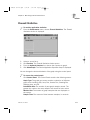
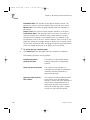
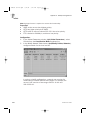
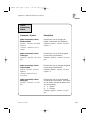
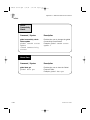
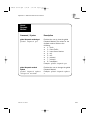
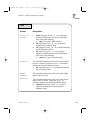
The OSPF Neighbor Table window contains the following fields:
z Neighbor Address - The IP address of this neighbor.
z Router ID - A unique identifier for the neighboring router in the
autonomous system.
z Priority - The priority of this neighbor. A priority of 0 means that
this neighbor is not eligible to become the designated router on
this network.
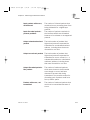
z Neighbor State - The state of the relationship with neighbor:
Down, Attempt, Init, Two Way, Exchange Start, Exchange, Loading,
Full.
z Length of the Retransmission Queue - The current length of the
retransmission queue.
Configuring the Router
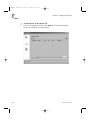
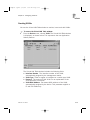
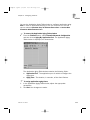
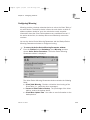
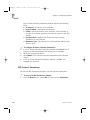
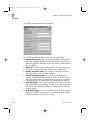
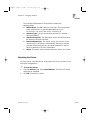
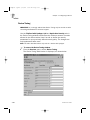
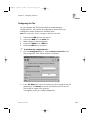
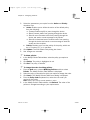
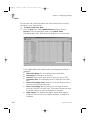
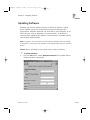
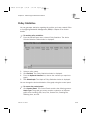
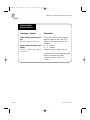
You configure the router using the IP Routing Table window.
)
z
3-68
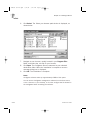
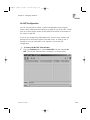
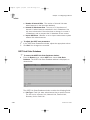
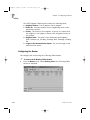
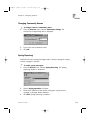
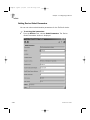
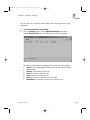
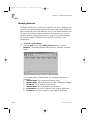
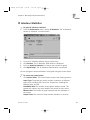
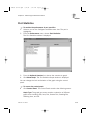
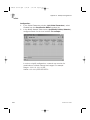
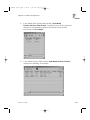
To access the IP Routing Table window:
From the Router menu, select Routing Table. The IP Routing Table
window is displayed.
FireProof User Guide