1
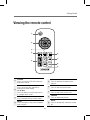
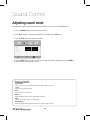
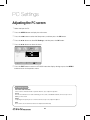
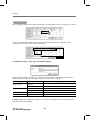
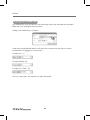
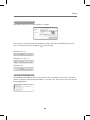
Basic Functions Adjusting a volume level Press the VOL +/- button to adjust a sound level. Volume level: 0 ~ 100 Volume 20 VOL +/- button Mute function You can mute the audio sound. MUTE button 1Press the MUTE button on the remote control to temporarily cut off the sound. 2When mute is on, press the MUTE button again on the remote control to play the audio. Selecting a input mode You can change the input mode. 1Press the INPUT button to display inputs. INPUT SOURCE AV Component PC HDMI1 HDMI2 USB 2Press the ▲/▼ button on the remote control to select a input mode. 3Press the OK button to accept your selection. 11