1
Web Server
The TeraStation can be used as a web server. In addition to html files, images, and JavaScript, the TeraStation also allows
installation of Perl script and PHP script files. The TeraStation’s web server is for advanced users only. Do not enable it
unless you know what you’re doing.
1
2
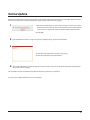
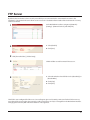
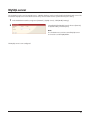
In the Web Admin interface, navigate to [Network] - [Settings] - [IP Address Settings]. Click [Modify Settings].
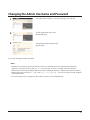
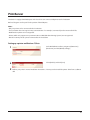
Select [Enable] for [Web Server]. Choose an external port (81 is the default) and a folder for the web server. Click
[Save].
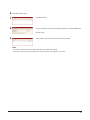
3
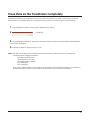
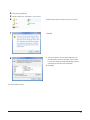
Edit the php.ini file to change the PHP language interpreter
settings.
Note:
The web server uses version 1.4.23 of lighttpd, version 5.8.8 of
Perl, and version 5.2.10 of PHP.
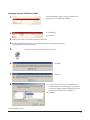
The Web server is now configured.
68