1
10 Infotainment system
CD functions
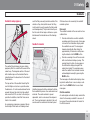
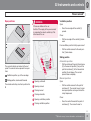
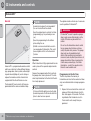
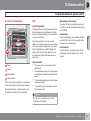
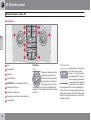
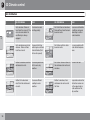
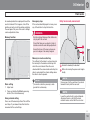
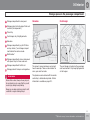
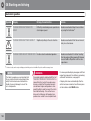
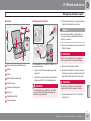
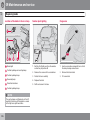
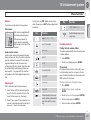
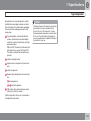
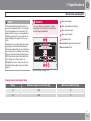
CD function controls
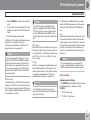
automatically. Otherwise, load a disc and
change to CD mode by pressing MODE.
Pause
Start playback (CD changer*)
If a CD position with a music CD is already
selected when the audio system is activated
then playback starts automatically. Otherwise
change to CD changer mode using MODE and
select a disc with the number buttons 1–6 or
Up/Down on the navigation button.
Insert a CD
If the volume is turned down completely, the
CD player is stopped. The player is restarted
when volume is increased.
Audio files*
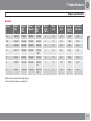
The CD player/CD changer* also supports MP3
and WMA format audio files.
NOTE
Certain types of copy-protected audio files
cannot be read by the player.
When a CD containing audio files is inserted
into the player the disc's folder structure is loaded in. It may take a while before playback
starts due to the quality of the disc.
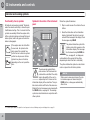
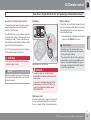
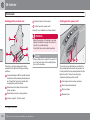
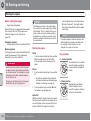
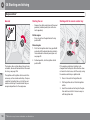
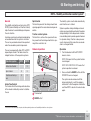
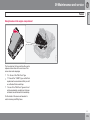
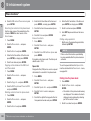
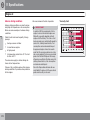
CD changer position selection*
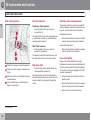
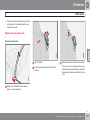
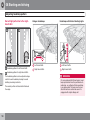
2. Inserting a CD in the CD changer.
Navigation and playback
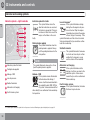
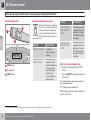
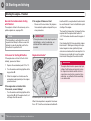
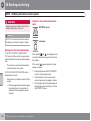
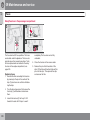
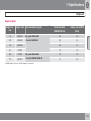
CD eject
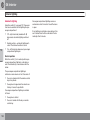
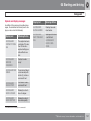
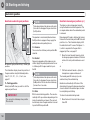
If a disc with audio files is inserted in the
CD player then the disc's folder structure is
shown by pressing ENTER. The folder structure is navigated in the same way as the audio
system's menu structure. Audio files have the
and folders have the symbol
.
symbol
Start audio file playback with ENTER.
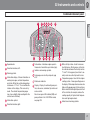
G019807
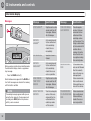
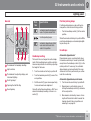
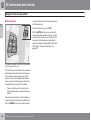
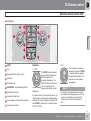
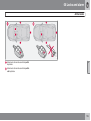
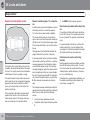
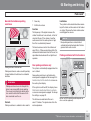
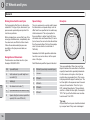
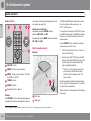
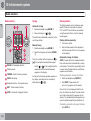
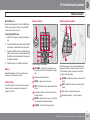
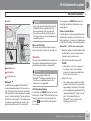
Navigation button – Fast forward/rewind,
track selection and menus
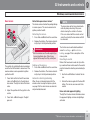
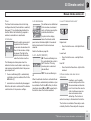
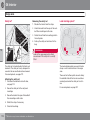
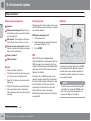
1. Select an empty position with buttons 1–
6 or Up/Down on the navigation button.
> An empty position is marked on the display. The text Insert disc shows that a
new disc can be inserted. The
CD changer can hold up to 6 CD discs.
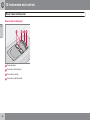
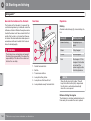
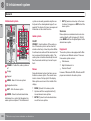
CD insertion/eject
CD insertion/eject slot
MODE - Selection of audio source (CD,
AUX, USB*)
TUNING - Knob for track selection
Starting playback (CD player)
If a music CD is in the player when the audio
system is in CD mode then playback is started
A CD will stay in the ejected position for
approx. 12 seconds. Following which it is reinserted in the player and playback continues.
Eject individual discs by pressing the eject button (3).
Eject all discs with a long press on the eject
button. The entire magazine is emptied disc by
disc. The message EJECT ALL is shown in the
display.
10
When the playback of a file is finished the playback of the other files in the same folder continues. Folder change takes place automati-
``
* Option/accessory, for more information, see Introduction.
249