1
Group Files
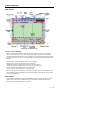
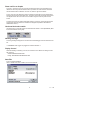
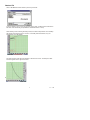
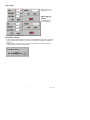
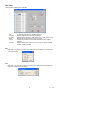
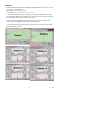
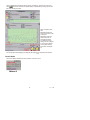
Click GROUP FILES to view the "Multi-Logger Monitor" designed to view and compare
data files. Diagram M shows the screen as it appears before the icon is clicked. Select the
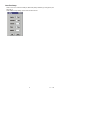
color of the curve by clicking the color block. Print the data by clicking the printer icon at
the right-most top corner.
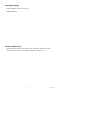
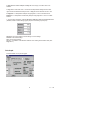
Note: To retrieve a file to replace the current file shown on the graph:
a. Select the file to replace
b. Choose transparent from the color selections (graph disappears)
c. Select the file to retrieve
15
V7.1 1/08