1
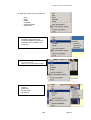
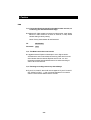
.基1-1 Adding IP Address
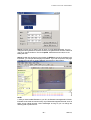
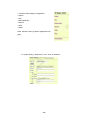
A. Add in another IP address
Please add in a different IP in
“ Watching and press enter”
Note1: please type in http://
before your IP.
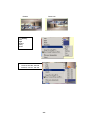
Note2: when selecting different
views, it will show
different IP addresses in
Watching.
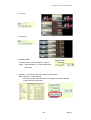
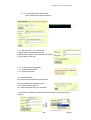
B. Press AD”
C. Another view open up
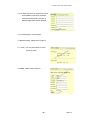
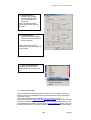
1-2 When cancel IP address ,
please select the camera you want
to delete and select
“Delete a Video”
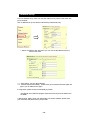
2. Visitor Authorization:
Change its own password
View log: check other visitors IP address
Add / delete camera
2-1 USER:
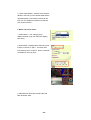
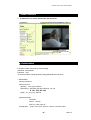
- When non-administrator entered ip
addresses to view its AP, it will ask
for a user ID and PASSWORD.
- 28 -