1
How to guides... 215
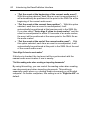
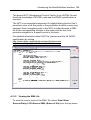
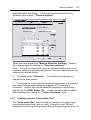
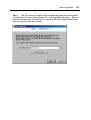
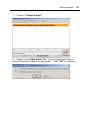
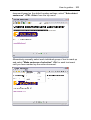
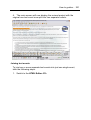
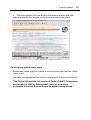
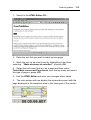
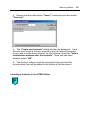
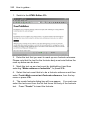
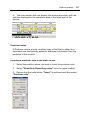
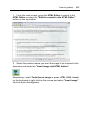
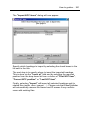
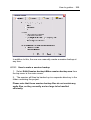
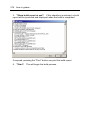
When the message box below is displayed, this means that
EasePublisher has detected some invalid code in the dropped/pasted
text. To be able to continue to work with the added text, EasePublisher
needs to remove that invalid code. This may result in that some text
formatting may be lost.
How can you avoid this in the future? The main reason for this to
happen is that the external application does not convert the text to
valid XHTML when the drag & drop or paste is made. To avoid this, we
recommend you to use a tool that have the ability to drop or paste
valid XHTML code. Or, use a tool that converts your documents to
valid XHTML and then create the content from those converted
documents.
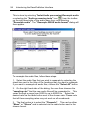
Creating a new heading as a new document
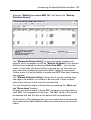
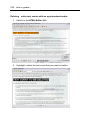
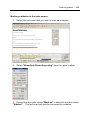
1. Select Edit>Create new heading(s) in Table of Contents from
the top menu or press <CTRL + Shift + N>.
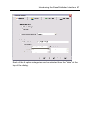
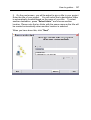
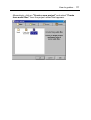
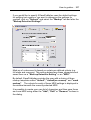
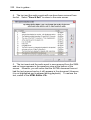
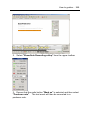
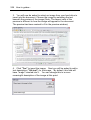
2. This will launch the "Add new heading(s) in Table of Contents"
dialog. Enter a name for the new heading in the input field "New
heading title".