1
20
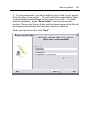
Product activation
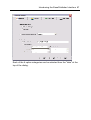
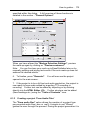
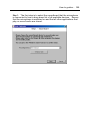
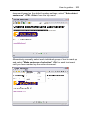
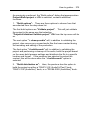
If you have purchased a multi user or network licence then you
can enter in your unique multi user licence code. This is printed
on your multi user licence software certificate.
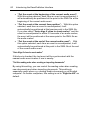
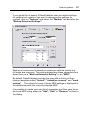
Remind me later.
If you choose "Remind me later" you will then be informed regularly
that activation is still required and of the number of days remaining to
perform this task.
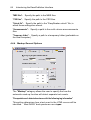
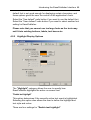
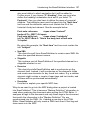
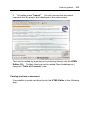
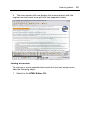
To re-commence the activation process you should restart Dolphin
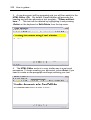
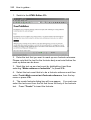
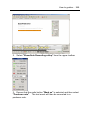
EasePublisher or select the "Activate" button found in the "About
Dolphin EasePublisher" dialog. This dialog can be opened via the
EasePublisher menu in Microsoft Word.
Uninstalling and re-installing EasePublisher onto the same computer
does not result in an additional licence being required. If you require
an additional licence then please contact your Dolphin dealer.
During the activation process Dolphin does not obtain any personal information
from your computer besides your product licence key.