1
6 – Income, Sales, and Deposits
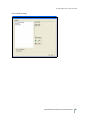
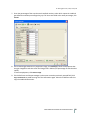
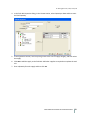
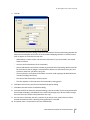
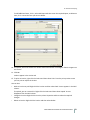
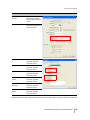
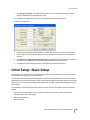
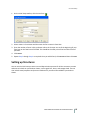
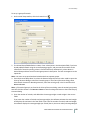
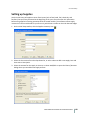
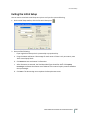
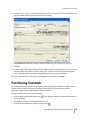
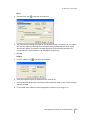
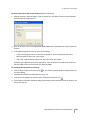
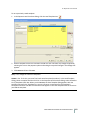
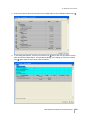
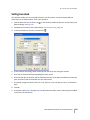
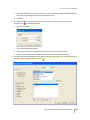
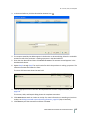
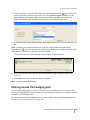
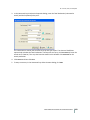
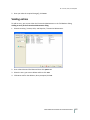
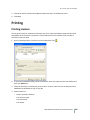
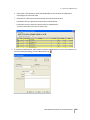
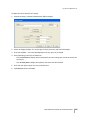
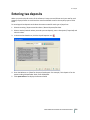
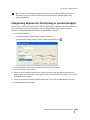
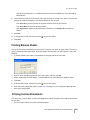
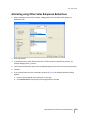
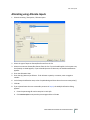
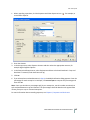
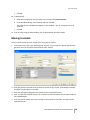
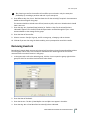
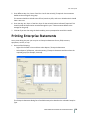
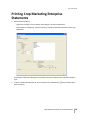
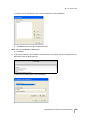
a. Select the Customer (s) or click Select All to print a report of all purchasers.
b. In the Date Range area, select the dates to which to limit the transactions.
c. Select Show Allocation Details if you want the report to contain the amounts allocated to
your enterprises and then select either Sort by Order Entered or Sort by Date.
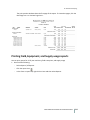
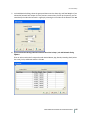
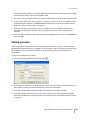
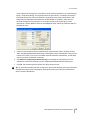
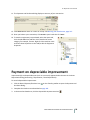
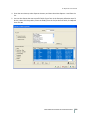
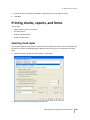
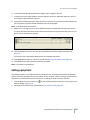
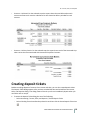
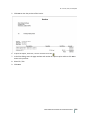
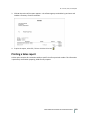
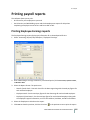
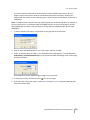
4. Click Print. The preview report that appears sorts the purchasers and includes a summary of each
transaction, along with any receivable account balances.
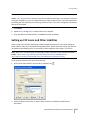
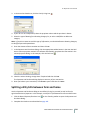
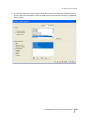
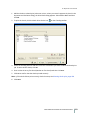
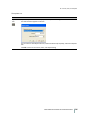
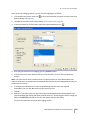
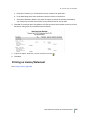
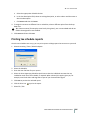
5. To print the report, select File / Print or click the Print icon
.
6. Click Close.
Printing an Invoice/Statement
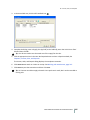
See Printing invoices, page 280.
FARM WORKS ACCOUNTING SOFTWARE USER GUIDE
285