1
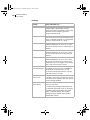
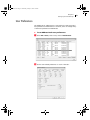
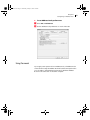
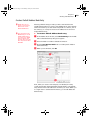
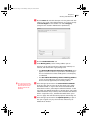
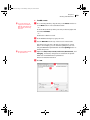
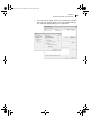
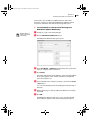
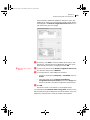
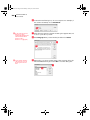
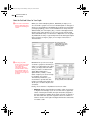
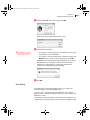
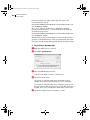
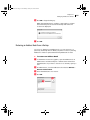
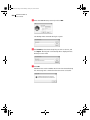
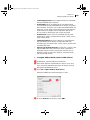
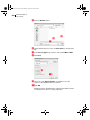
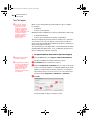
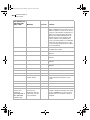
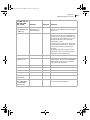
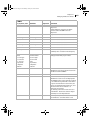
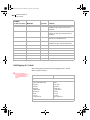
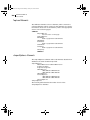
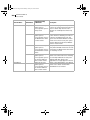
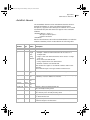
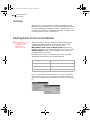
MaxUser.book Page 63 Wednesday, January 23, 2008 4:34 PM Chapter 5 Setting up Users and Groups 63 User Preferences The Address Book administrator is responsible for setting up initial user preferences in Administrator. However, users can change many of their user preferences in Maximizer. ➤ To set Address Book user preferences Select File > Users, select a user, and click Preferences. Set the user-related preferences on each of the tabs.