1
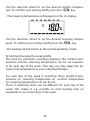
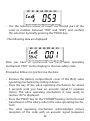
• On the LC display the time when the lowering temperature
is to be activated is displayed:
DI
MO
MI DO FR SA
SO
Prog
12
6
0
24
18
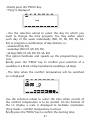
Use the selection wheel to select the time when control of
the lowering temperature is to be started.
Briefly press the “PROG” key to confirm the starting time.
• Repeat the steps described above to program the second
comfort temperature time and the second lowering temperature time.
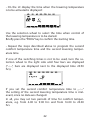
If one of the switching times is not to be used, turn the selection wheel to the right side until four bars are displayed
(“--:--”, bars are displayed next to the displayed time 23:50
hrs).
MO
DI
MI DO FR SA
SO
Prog
0
6
12
18
24
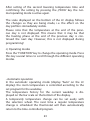
If you set the second comfort temperature time to „--:--“
the setting of the second lowering temperature time is irrelevant, since no data are changed.
In all, you may set two periods of time for comfort temperature, e.g. from 6.00 to 9.00 hrs and from 16.00 to 23.00
hrs.
22