1
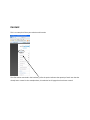
Important information on image copywrite can be viewed on the Welcome page of your control panel
Image Administration
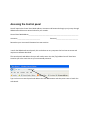
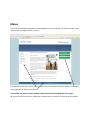
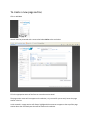
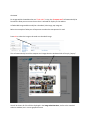
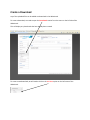
The Image Administration section of the Webwizard is where uploaded images are stored. It allows you
to upload all of the images that you require to be displayed within your website.
There will be a number of folders contained within image administration, these are for your house
keeping and they will be named according to the areas the images are destined for. i.e. a folder may be
called “page”.
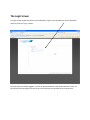
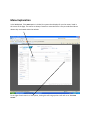
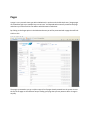
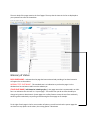
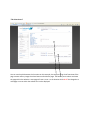
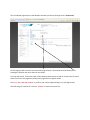
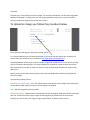
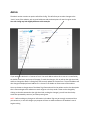
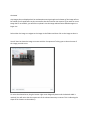
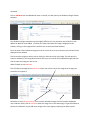
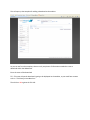
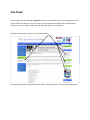
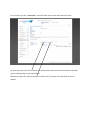
Once you have chosen your folder to upload your images into by clicking it you will be shown a page
similar to the one above.
It is an alpha numeric listing of all the images that you have uploaded into that particular folder.
Each image is listed by its name as uploaded ( It is a worthwhile job renaming any images that are to be
uploaded from a digital camera to something more meaningful, as the camera will name the images
something like DSC01229.jpg which has no informative description ).
The next item is the size of the file in Kb. Bear in mind that if a file is uploaded directly from a camera,
the file size of the image will be so large that it will be unusable. We recommend that you resize any
images to the correct size in pixels before uploading them ( we can provide these details if required ).
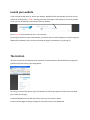
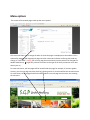
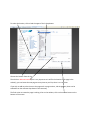
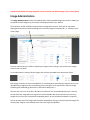
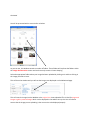
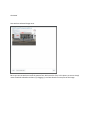
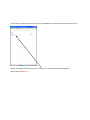
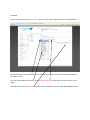
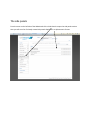
You can preview any of the images that have been uploaded by clicking on the small preview image. This
will show the image in a new window at the size it was originally uploaded.