1
Chapter 5 - Monitoring Conferences
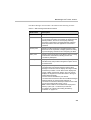
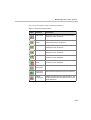
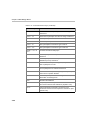
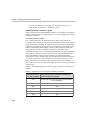
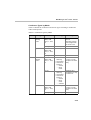
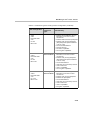
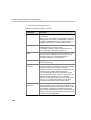
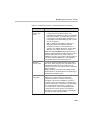
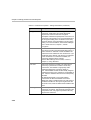
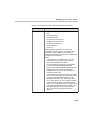
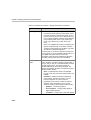
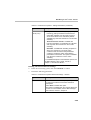
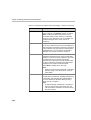
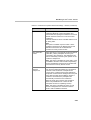
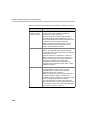
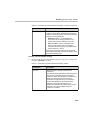
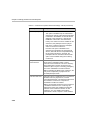
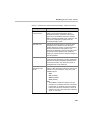
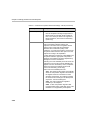
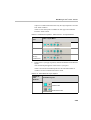
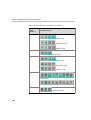
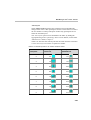
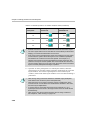
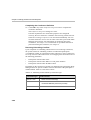
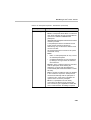
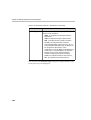
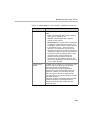
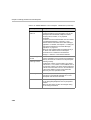
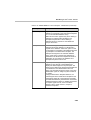
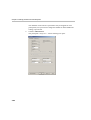
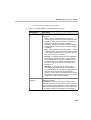
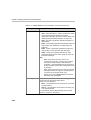
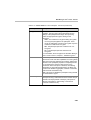
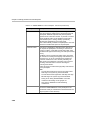
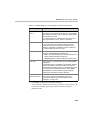
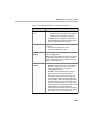
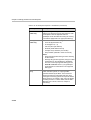
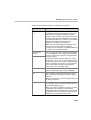
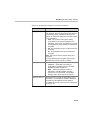
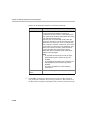
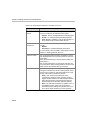
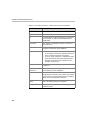
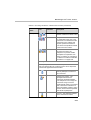
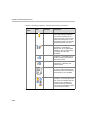
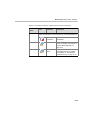
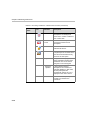
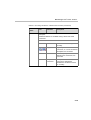
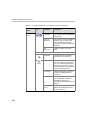
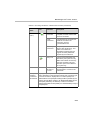
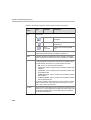
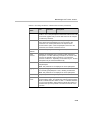
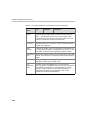
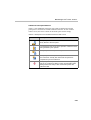
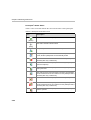
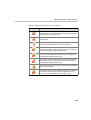
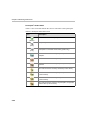
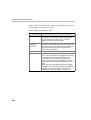
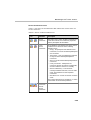
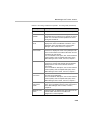
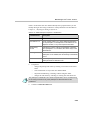
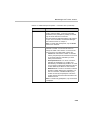
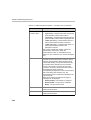
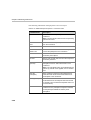
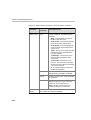
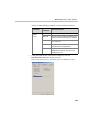
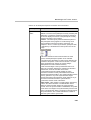
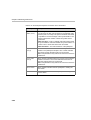
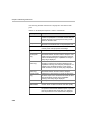
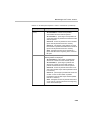
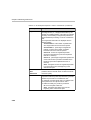
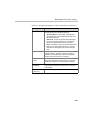
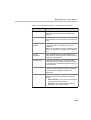
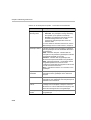
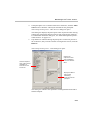
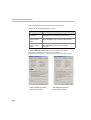
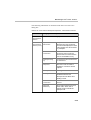
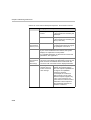
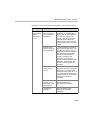
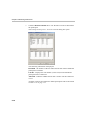
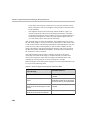
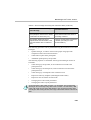
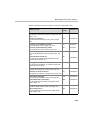
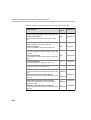
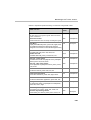
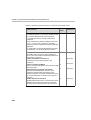
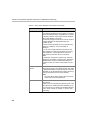
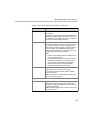
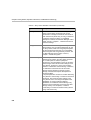
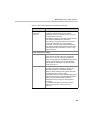
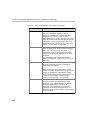
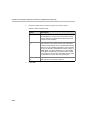
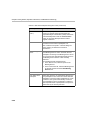
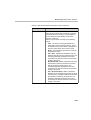
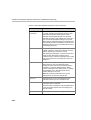
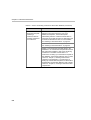
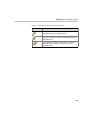
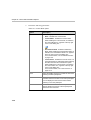
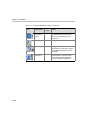
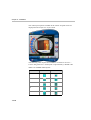
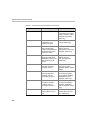
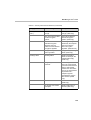
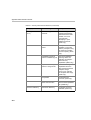
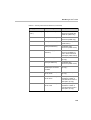
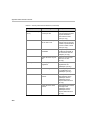
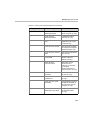
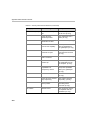
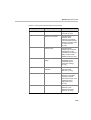
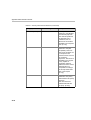
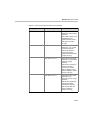
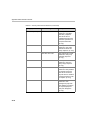
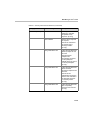
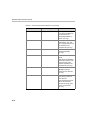
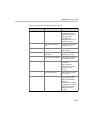
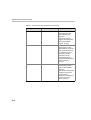
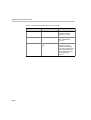
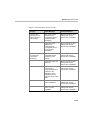
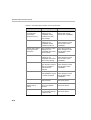
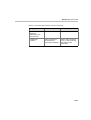
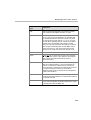
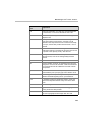
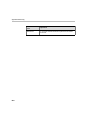
Table 5-2: On Going Conference - Monitor Pane Columns (Continued)
Column
Name
Icon
Name (cont.)
Indication
Description
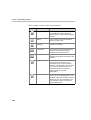
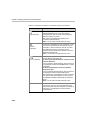
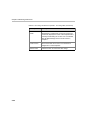
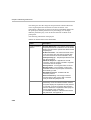
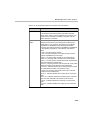
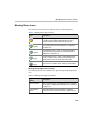
Operator - The participant defined
as the MGC Manager Operator.
The operator manages an On
Going Conference, connects and
disconnects participants, moves
participants between conferences,
assists participants, and more.
VIP participant/VIP chairperson - A
participant or a chairperson
defined as a VIP, for preferential
assistance. The VIP status does
not change the role of the
participant.
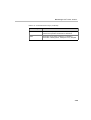
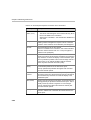
Questioner - A participant who is
currently waiting in the Questionand-Answer queue.
Current questioner - The current
questioner in a Question-andAnswer session.
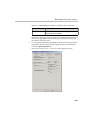
Disconnected participant - When
any type of defined participant is
disconnected from the conference,
the respective icon is disabled.
(Gray)
Faulty connected or Attended
participant - An exclamation point
next to the icon indicates that the
participant has a problem and
requires operator’s assistance.
The cause of the problem is listed
in the Connection column.
5-12