1
NHS CFH National Spine
IN CONFIDENCE
BT Approved
Issue 2
12564 MSK SUS R12 User Guide - EDT
01 November 2012
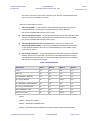
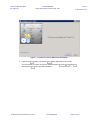
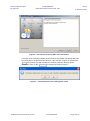
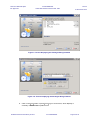
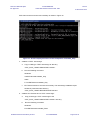
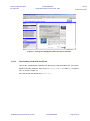
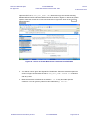
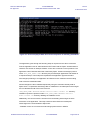
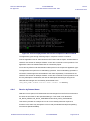
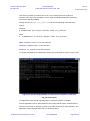
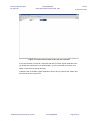
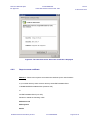
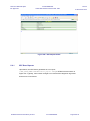
Figure 5A - Screen to select/show existing DATA_HOME Path
The existing data will be preserved and you can continue to use the same location to
send interchanges to EDT server.
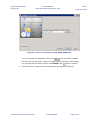
If this is a new installation, you need to enter the path for the location of the EDT
Client Data home directory and provide the root directory from where interchanges
are read from, archived to and the location where reports are generated.
Note: The directory for your installation is EDT_DATA_HOME. This value is
configured in EDT-Sender.properties file in <EDT_APPS_HOME>/config folder.
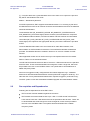
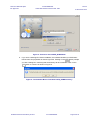
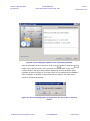
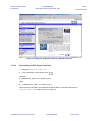
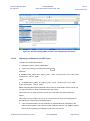
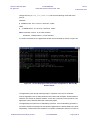
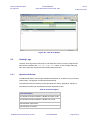
7. Click on the Next button or press Enter and you will get a prompt to states that the
target directory be created as shown in Figure 6A. If the user clicks on OK button of
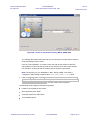
Figure 6A then the user is directed to the next screen which is Figure 6.
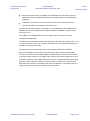
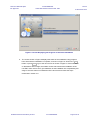
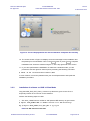
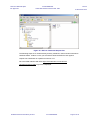
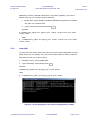
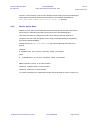
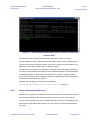
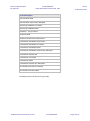
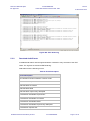
The following screen displays information regarding:
Folders to be created for EDT Client.
Size required by each folder.
Total size required for EDT Client.
Total available space.
© British Telecommunications plc 2012
IN CONFIDENCE
Page 21 of 78