1
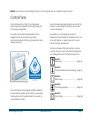
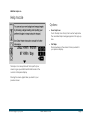
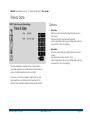
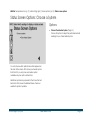
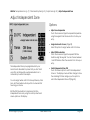
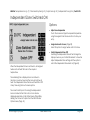
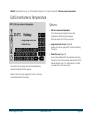
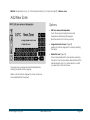
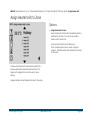
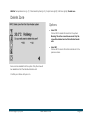
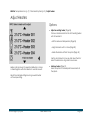
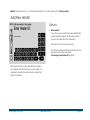
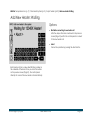
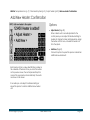
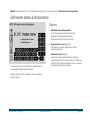
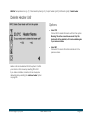
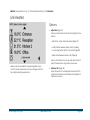
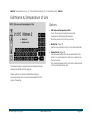
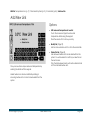
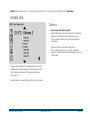
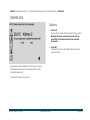
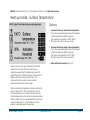
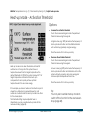
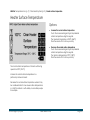
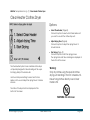
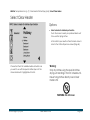
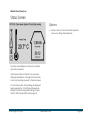
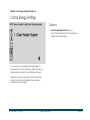
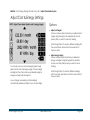
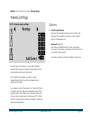
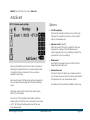
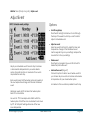
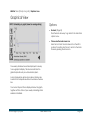
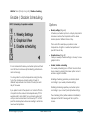
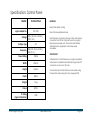
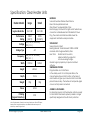
MENU ► Temperature Icon (p. 7) / Main settings (p.8) / Screen options (p.13) / Status screen options Status Screen Options: Choose a System Options: Choose Clear Heater System (Page 15) Choose this option to adjust the performance data readings for your Clear Heater System. You can choose which performance data appears on the main status screen. First choose your heater system from the list. If you only have one heater system available only one option will be listed. Additional systems are proposed for the future that will be listed on this screen if available. Please check our website for product updates. © 2015 Logicor (CH) Ltd clear-heater.co.uk Page 14