1
BelliniC2_GBzen_F_FM.book Page 82 Tuesday, December 17, 2002 5:56 PM
User Tools (System Settings)
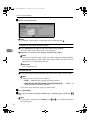
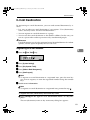
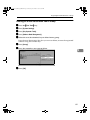
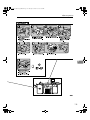
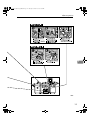
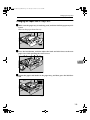
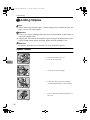
To print the number of copies (counter) for all user codes
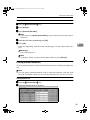
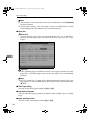
A Press [Print Counter List] of “All User Codes”.
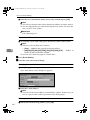
Note
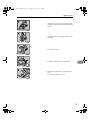
❒ Enter the user code, and then press [#] if the user code is registered.
E Press [Print Counter] or [Scanner Counter].
F Press [Print].
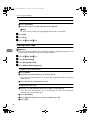
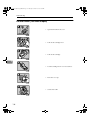
Clearing the Counter
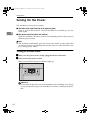
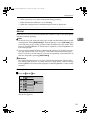
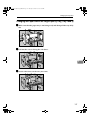
A Press the {User Tools}} key.
B Press [System Settings].
C Press [Key Operator Tools].
D Press [Display/Clear/Print Counter per User Code].
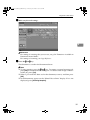
E Select the user code to clear.
5
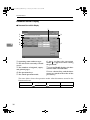
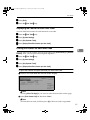
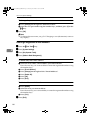
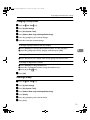
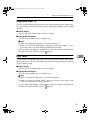
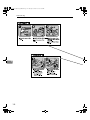
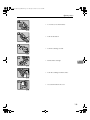
To clear the number of copies (counter) for each user code
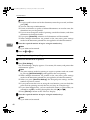
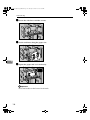
A Select a user code from the left side of the display.
Note
❒ Press [All on The Page] if you want to select all user codes on the page.
B Press [Clear] for “Per User Code”.
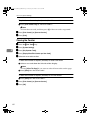
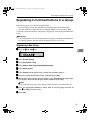
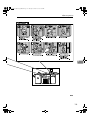
To clear the number of copies (counter) for all user codes
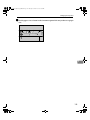
A Press [Clear] for “All User Codes”.
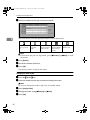
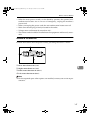
F Press [Print Counter] or [Scanner Counter].
G Press [OK].
82