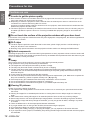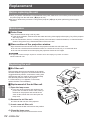
1
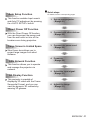
Auto Setup Function
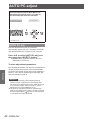
This function enables Input search
and Auto PC adjustment by pressing
the <AUTO SETUP> button.
JJQuick steps
For details, see the corresponding pages.
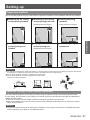
1. Set up your projector.
(Æpage 21)
Direct Power Off Function
With the Direct Power Off function,
you can disconnect the power cord
from the wall outlet or turn off the
breaker even during projection.
Large Screen in Limited Space
Short focus lens allows you to
project large images from short
distance.
LAN Network Function
This function allows you to operate
and manage the projector via
network.
3D Display Function
This projector is capable of
displaying 3D video with the Frame
Sequential Format, and you can
view the dynamic 3D contents by
wearing 3D glasses.
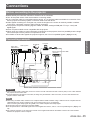
2. Connect with other devices.
(Æpage 25)
3. Connect the power cord.
(Æpage 26)
4. Power on.
(Æpage 28)
5. Select the input signal.
(Æpage 31)
6. Adjust the image.
(Æpage 31)
ENGLISH - 9