1
EASY START GUIDE
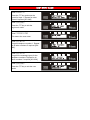
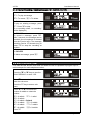
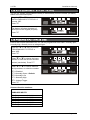
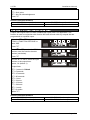
Enter 2 0 1
Press the t key and enter the
inputs for input 1. Repeat for other
inputs if required [201-209]
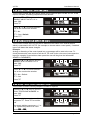
Enter 999
Press the t key to exit the
engineers’ mode.
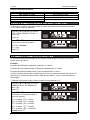
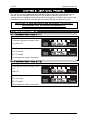
Enter 1 2 3 4
This enters the user menu.
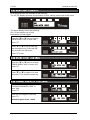
Enter 9 0 1
Program telephone number 1. Repeat
for all other numbers if required [901909].
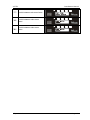
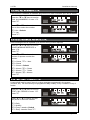
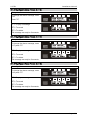
Enter 9 3 1
Program the message types for the
telephone numbers. Repeat for all
other numbers if required [931-939].
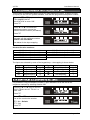
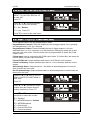
Enter 999
Press the t key to exit the user
mode.