1
User Manual
SB-DN-Logic960
Configuration – Logic module
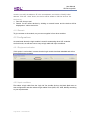
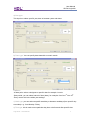
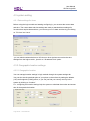
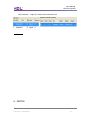
Three conditions for each table scene:a) Week type (between weekdays)
b) time type (specific time)
c) UV switch
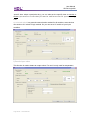
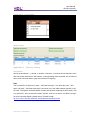
-connect the other tables to the first table and set them a delay to increase the volume of
the played song slowly
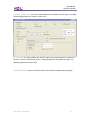
Targets (output):-
This is for the first table means the starting volume will be “voice28” UV-219,
Configuration – Panel
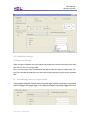
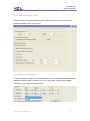
On the panel all we need is to send UV switch command to the logic module to
enable/disable the scene from the panel…
Logic timer – User Manual
19