1
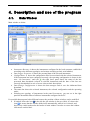
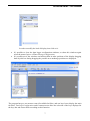
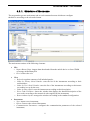
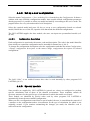
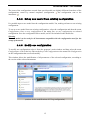
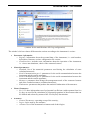
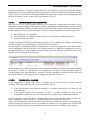
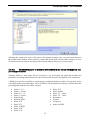
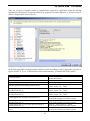
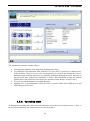
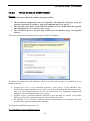
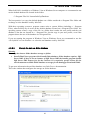
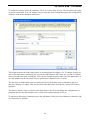
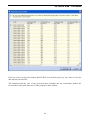
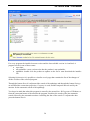
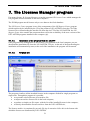
LSI LASTEM 3DOM – User’s manual In order to modify the look of display icon click on it. It’s possible to close the data logger configuration windows; to show this windows again select the menu Options Data Storage Configuration. It’s possible move the windows and anchor them in other positions of the display dragging them by title bar: during dragging the possible new anchorage positions are displayed. The program has got: one menu to start all available facilities, and one keys bar to display the main facilities. Two keys Configuration and Communication allow the selection of the keys displayed in the keys bar and cluster them according to their function. 7