1
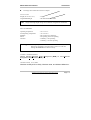
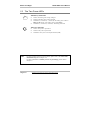
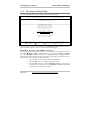
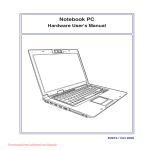
Model 700A User's Manual Standards The following standards are adopted throughout this manual: Notebook in boldface (with or without capitalization) refers to the notebook computer which you have purchased. Boldface type is also used to highlight important information in this document. The messages which appear on the Notebook screen will be boxed when they are referenced. Whenever extra caution is called for, the information will be boxed in a dark frame preceded by "Note:" or "Warning:" Usually after performing a step-by-step instruction, you will be asked to: Press the Esc key Which means you should press the hand corner of the keyboard. key located at the upper left- Information in this document is subject to change without notice!!! Page III