1
ExpertEasier
Contacts
Contacts
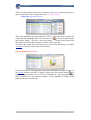
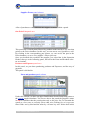
Here is where data of all the companies and individuals reside. In this Layout,
we can access our Company customer and supplier's data. Any trade information may be filtered so as to keep track of invoicing, pending debts, or any kind
of account related to the contact selected.
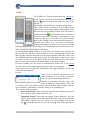
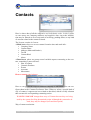
The Layout, consists in 2 areas:
A Main Area, where we access contact's location sites and trade info:
• Company Name
• Contact Name
• Address (Main and Send to)
• Tax ID
• Contact Kind
• Alerts
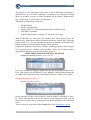
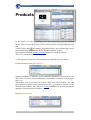
A Panel Area, where we group several variable aspects concerning to the contact, containing 5 pane selectors:
• How to contact
• Contact's Products
• Events
• Accounts
• Movements
How to contact panel selector
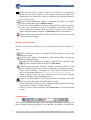
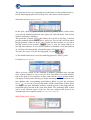
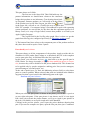
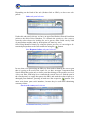
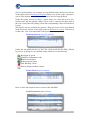
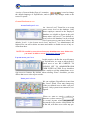
Here we can get all the ways to contact a company or individual. You can configure them in the Contacts Preference Pane. When we select a special kind of
way of contact, it appears an icon related to that kind, which is really a button
that executes the corresponding contacting action.
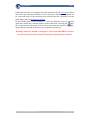
WARNING: DO NOT change those ways of Contact because they are being
used by the system for firing determined scripts. Although they cannot be deleted, they may be changed (icon and description)
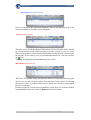
Way of contact activation:
Centro Técnico Informático S.A.
Page 21 of 55