1
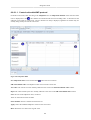
Diagnostic mode
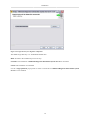
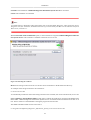
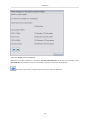
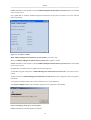
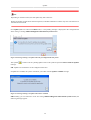
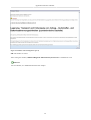
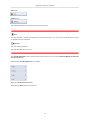
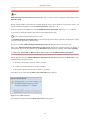
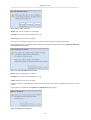
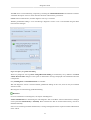
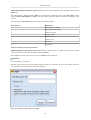
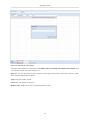
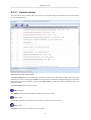
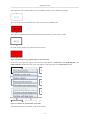
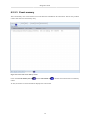
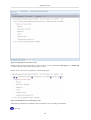
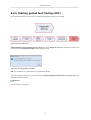
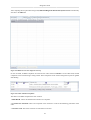
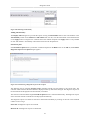
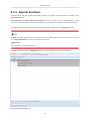
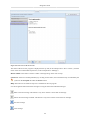
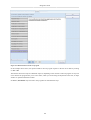
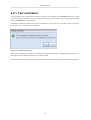
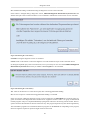
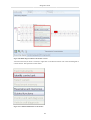
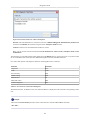
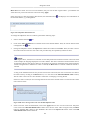
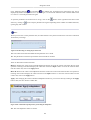
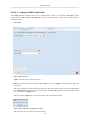
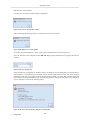
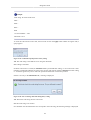
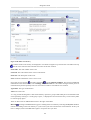
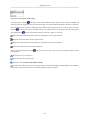
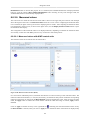
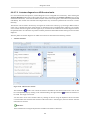
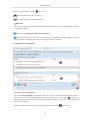
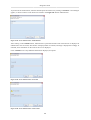
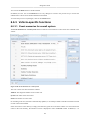
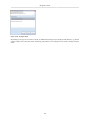
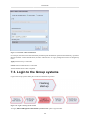
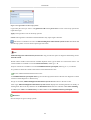
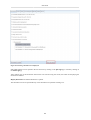
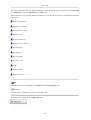
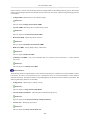
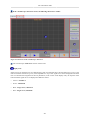
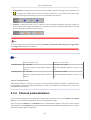
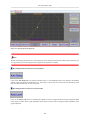
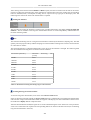
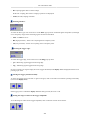
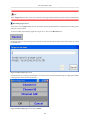
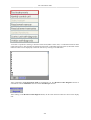
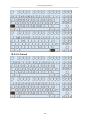
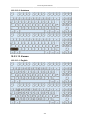
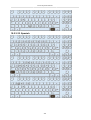
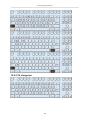
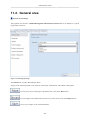
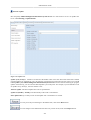
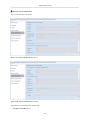
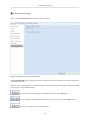
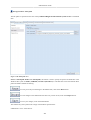
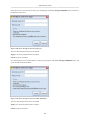
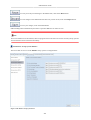
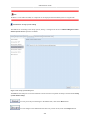
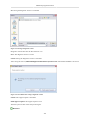
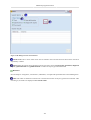
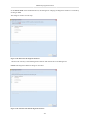
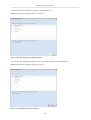
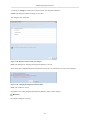
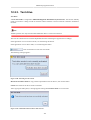
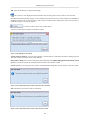
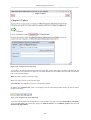
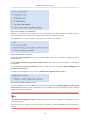
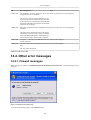
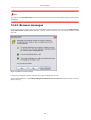
Figure 6.118. Warning when switching to plain text code
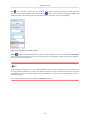
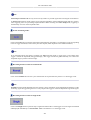
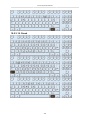
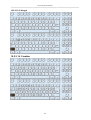
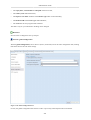
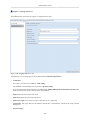
Yes: Switches to the plain text code view. Any changes in the binary view are lost.
No: Does not switch to the plain text code view. Changes in the binary view are retained.
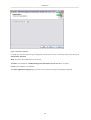
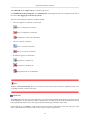
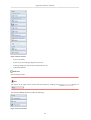
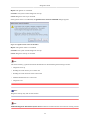
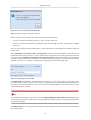
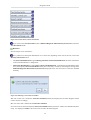
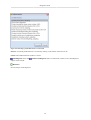
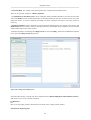
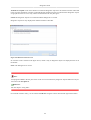
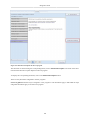
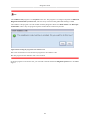
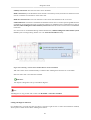
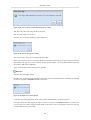
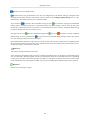
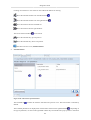
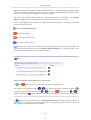
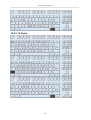
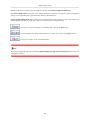
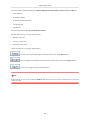
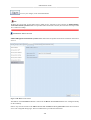
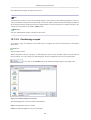
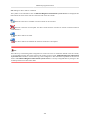
If the code was saved without errors, the Restore button is enabled. Click on this button to restore the code
last used. To write the restored code into the control unit, click on the Apply button again.
2.
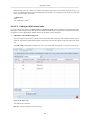
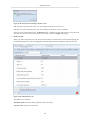
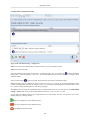
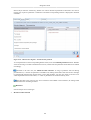
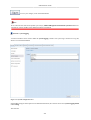
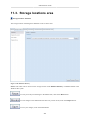
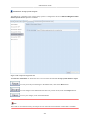
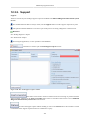
Plain text code
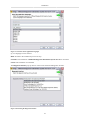
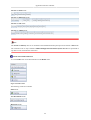
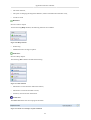
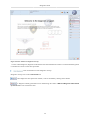
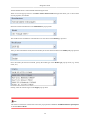
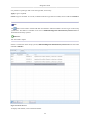
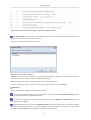
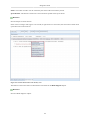
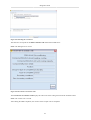
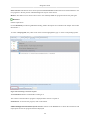
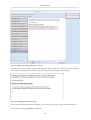
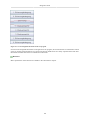
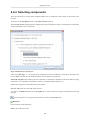
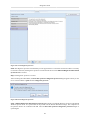
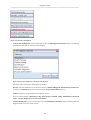
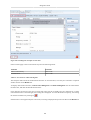
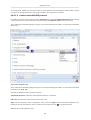
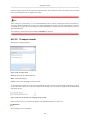
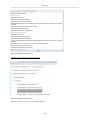
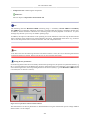
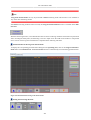
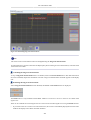
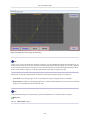
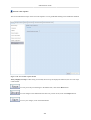
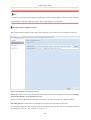
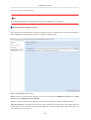
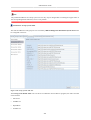
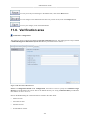
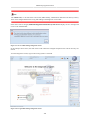
When you switch to the plain text code, the current code string is read out of the control unit and split up into
its individual parameters. They are displayed in the table along with their designation and read-out value.
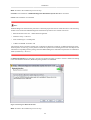
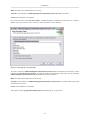
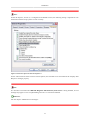
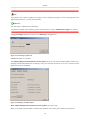
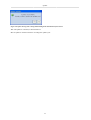
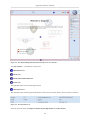
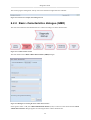
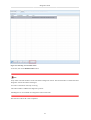
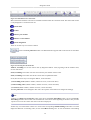
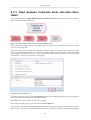
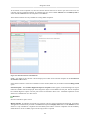
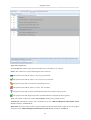
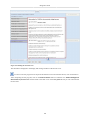
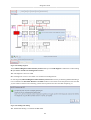
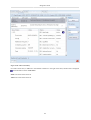
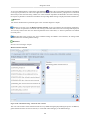
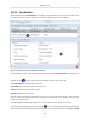
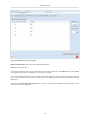
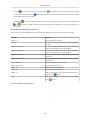
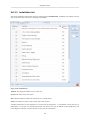
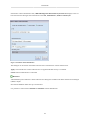
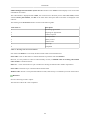
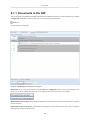
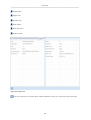
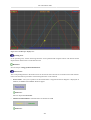
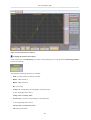
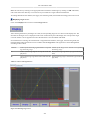
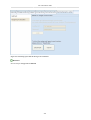
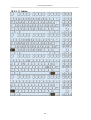
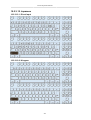
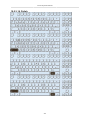
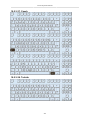
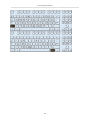
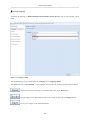
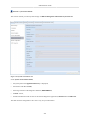
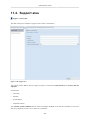
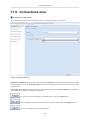
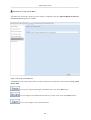
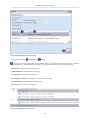
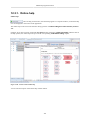
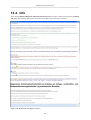
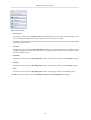
Figure 6.119. UDS plain text code
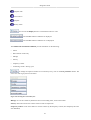
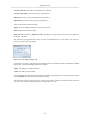
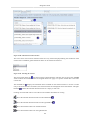
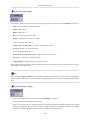
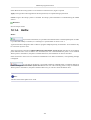
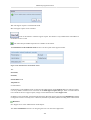
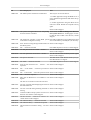
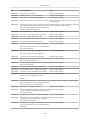
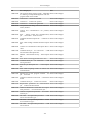
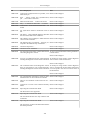
The table has five columns:
Parameter name: The name of the parameter in the code string.
Current value: The current code value.
133