1
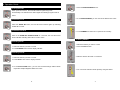
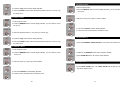
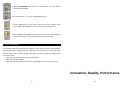
2. Press AUTO/SOUND to activate Auto or Sound mode. The LEDs indicate
which mode is activated.
3. Press the button (1 ~ 12) to run a desired lighting show.
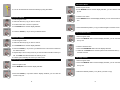
4. When in Auto mode, you can set the wait time by using the sliders. When
these settings will be kept when next time you run the same light show.
5. When in Auto mode / Sound mode activation, the Light show will be triggered
by music, however, you can still set the fade time of the light show.
5. Fixture Cleaning
The cleaning of internal and external optical lenses or mirror must be carried out periodically to
optimize light output. Cleaning frequency depends on the environment in which the fixture
operates: damp, smoky or particularly dirty surrounding can cause greater accumulation of dirt
on the unit’s optics.
y
Clean with soft cloth using normal glass cleaning fluid.
y
Always dry the parts carefully.
y
Clean external optics at least every 20 days and internal optics at least every 30 days.
Innovation, Quality, Performance
12-
13-