1
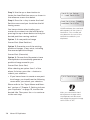
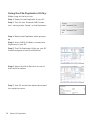
Step 6: Once the duplication run is completed, the successful copies will be ejected and
you shall see the following screen.
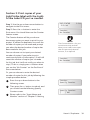
Pass 7 Fail 0 ( 7)
Waiting for Blanks
• “ PASS 7” indicates that you’ve just made 7
successful copies.
• “ FAIL 0” indicates that you have no failure
in this run.
• “ 7” indicates that you’ve successfully
copied 7 copies so far.
Step 7: Remove the successful copies and
refill the trays with additional blank media
to continue making more copies. You can
also press the << button to terminate your
project and go back to the main menu.
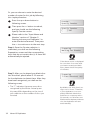
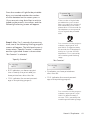
Note
If you happen to have any
failed discs (bad copy), the
failed disc(s) will not be ejected
automatically. You need to
manually eject them and throw
them away if they are write
once recordable disc(s).
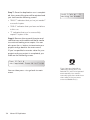
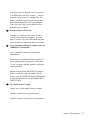
If you’ve specified a counter value for your
project and your project is completed, you
shall see the following screen:
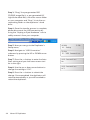
Pass 21
Fail 0
Job Completed! Press OK to Finish
Xerox LS Duplicator
25