1
Centerm Information Co.,Ltd
Terminal User Manual
Applications
Control Center
1.
Use “Control Center”
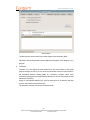
The “Control Center” program provides the interface of using the configuration
programs in the system
2.
Run the “Control Center”
Running method:
1.
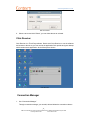
Left click the “Control Center” icon
in the quick start bar on the left bottom of
the desktop;
2.
Left click the “Control Center” item in the start menu
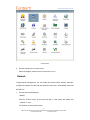
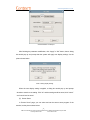
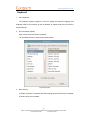
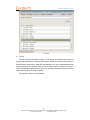
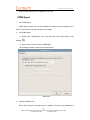
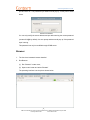
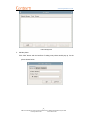
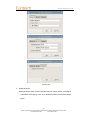
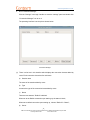
The interface of “Control Center” is as below:
4
ADD:2/F #22 Star-net Science Plaza Juyuanzhou #618 Jinshan Road,Fuzhou Fujian China
[email protected]
www.centerm.com