1
Chapter 2
Operation
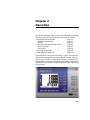
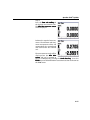
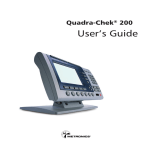
This chapter describes how to operate the QC100. Instructions
will show typical LCD screen contents. This chapter includes:
• Measuring with the QC100
page 2-2
• Probing and targeting
page 2-2
• Datum
page 2-2
• Front panel controls and LCD screens
page 2-3
• Front panel keys
page 2-3
• LCD menus
page 2-8
• Preparing for operation
page 2-9
• Performing measurements
page 2-15
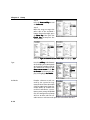
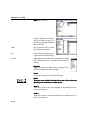
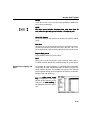
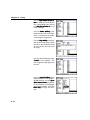
The contents of LCD screens will reflect a system using X and Y
axis encoders configured with factory default settings. Your system may also include Z and/or Q axis encoders and might have
slightly different defaults and operating parameters, however the
instructions in this chapter are generic and will apply equally well
to all systems.
2-1