1
Chapter 4
Data
Setup
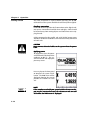
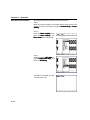
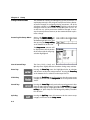
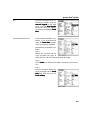
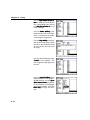
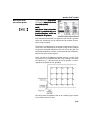
Measurement data can be sent to the serial or parallel port for
printing.
Press the None softkey if no data transmission is desired. Press
the P osition softkey to print the data displayed on the LCD.
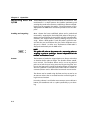
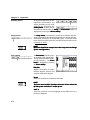
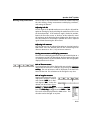
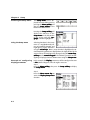
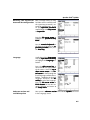
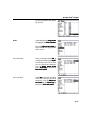
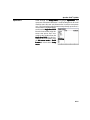
Supervisor
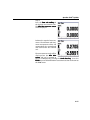
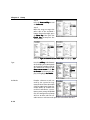
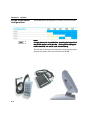
Scroll through the Setup menu
to highlight the Supervisor selection
lection. The Supervisor password can be entered into the
Password data field to enable
setup functions, and a startup
encoder zero can be specified.
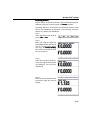
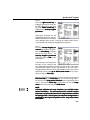
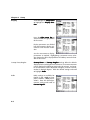
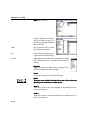
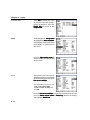
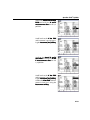
Password
Press the right cursor arrow
and enter the Supervisor password using the numeric keypad
pad. Press the Enter or Finish
key when the password is complete. Press the down cursor
arrow or Enter key to advance
to Startup zero
zero.
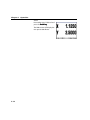
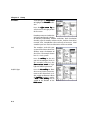
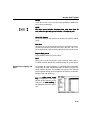
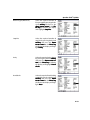
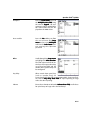
Startup zero
Press the Yes softkey to require
encoder reference mark crossings upon system startup. Press
the left cursor arrow or Finish
button to return to the Setup
menu
menu.
4-20